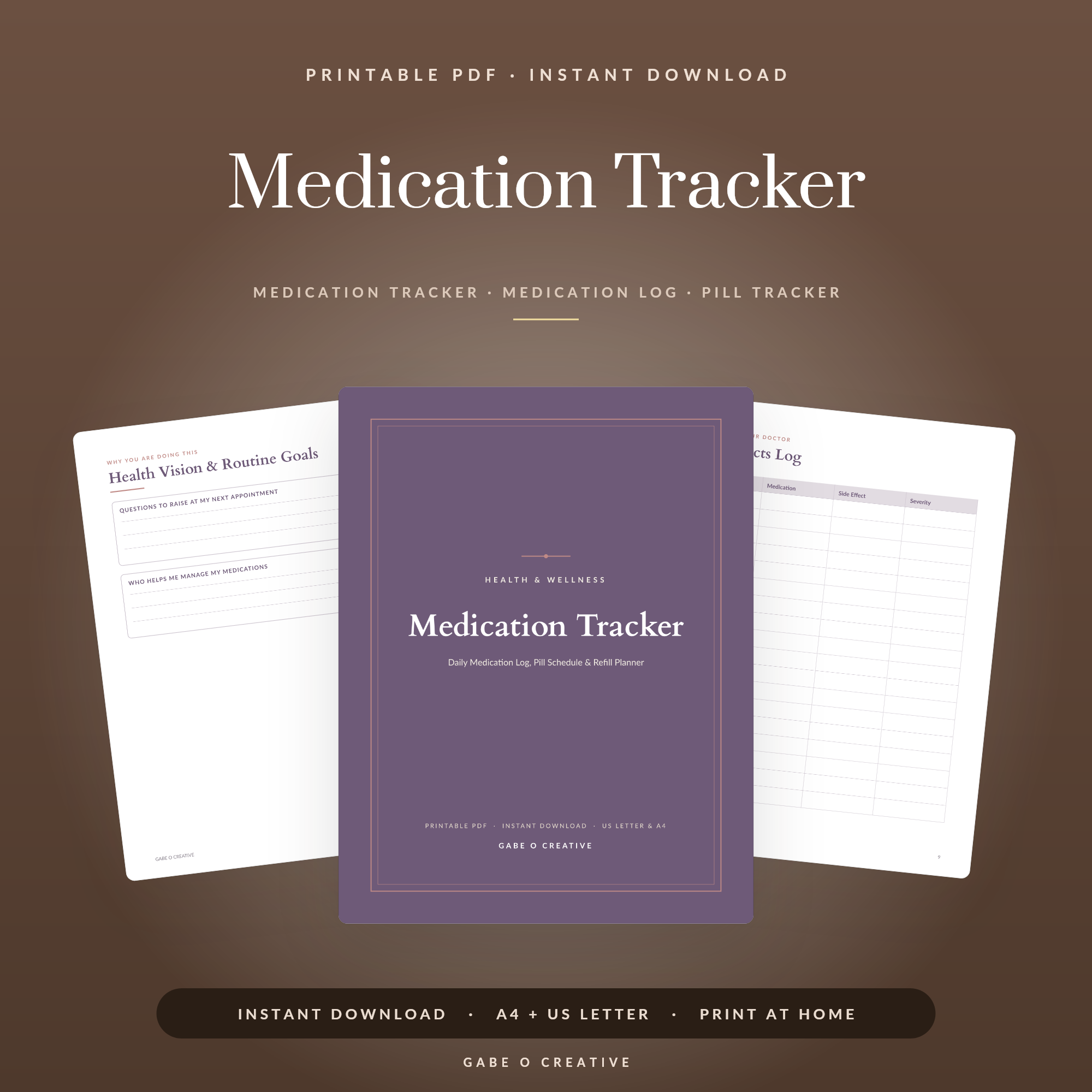
A medication tracker for elderly parents only does its job if someone actually fills it in on the day it matters, and most of the ones people set up don't survive a fortnight because they ask for too much. The version that works is smaller than you'd expect: a medication list, a daily tick-box log, a refill date, and one line for side effects, nothing else earns a place until that much has been running for a month. Our printable medication tracker is built to that minimum.
Setting one up today? Start with just the daily tick-box log taped near where the medication actually lives, the rest of the system can wait until that single habit has stuck.
 Shop Caregiver Binder →
What a Medication Tracker for Elderly Parents Actually Needs
Four things, and the fifth thing is usually what causes the tracker to get abandoned.
- A medication list - name, dose, frequency, time. Written once, updated only when something changes.
- A daily tick-box log - one box per dose, per day. This is the page that gets used, so it has to be the simplest one in the whole system.
- A refill date - the single most common cause of a missed dose is a prescription that ran out days ago and nobody noticed until the box was empty.
- A side-effects line - one sentence, same page as the daily log, not a separate form nobody opens.
Everything past those four is genuinely useful, but only after the tick-box habit has held for a month on its own, adding all of it on day one is the most common reason a tracker gets abandoned within two weeks.
Refill dates: the cause nobody notices coming
Missed doses from confusion get noticed the same day. Missed doses from an empty bottle get noticed 3 days later, once someone finally checks. Set the reorder point 7 days before empty, not the day it runs out, pharmacies routinely take 2-3 days on a repeat prescription, and a same-day reorder often still costs a missed dose or two.
The Daily Log: One Tick Prevents a Doubled Dose
This is the page that matters most, and it works because of one specific behaviour: a tick answers whether a dose was already taken without anyone having to remember. Confused or forgotten doses cluster around exactly that question, asked at 3pm about a pill that should have been taken at 8am.
Keep the daily log physically next to the medication, on the counter beside the pill organiser, not in a binder in a drawer. A system that requires walking to another room to check gets skipped on a bad day, and bad days are exactly when it's needed most.
 Shop In Case of Emergency →
Tracking Side Effects Doctors Can Actually Use
A side-effects line on the same page as the daily log turns a vague impression into a dated pattern a doctor can act on, rather than a memory raised weeks later.
| Vague, undated report | What the tracker produces instead |
|---|---|
| Seemed more tired lately | Tired on 3 of the last 5 days, all after the evening dose |
| Seemed dizzy at some point | Dizziness noted twice, both mornings, both within an hour of the new tablet |
| Appetite has been off | Skipped breakfast 4 days running from the 12th |
One line a day is enough to produce the right-hand column, it needs to be dated and consistent, not detailed.
What to write, specifically
A word or short phrase: dizzy, skipped lunch, slept most of the afternoon. Write nothing unusual on the good days too, a gap in the log looks identical to a day nobody checked.
Getting an Elderly Parent to Actually Use It
The system has to be split by who's using which part. The person taking the medication needs the tick-box log and nothing else, anything more complex and it becomes something you fill in for them, which defeats the independence a tracker is meant to support.
Keep the fuller detail, refill dates, doctor and pharmacy contacts, the side-effects history, on a page you manage, referenced during appointments rather than checked daily. A parent will tick a box; a parent will not maintain a spreadsheet, and asking them to is the single most common reason the first version gets quietly dropped.
Paper versus an app
For most people past their mid-70s, a page taped near the pills gets checked without unlocking a phone, finding an app and remembering a login. Apps suit an adult child checking in remotely; paper suits the person actually taking the tablets, plenty of families run both, each doing a different job.
A reasonable way to start this week
- Write the medication list once - name, dose, frequency, time. Fifteen minutes, done.
- Print just the daily tick-box log and tape it near the medication, not in a binder.
- Add one refill date per medication, set 7 days before the bottle runs out.
- Run it for a month before adding anything else - if the tick-box habit hasn't stuck by then, simplifying further will help more than another page.
When a Full Caregiver Binder Makes More Sense
A medication tracker is one page inside a wider system. Once appointments, emergency contacts, insurance details and care preferences also need a home, our caregiver binder guide covers the complete version across the 5 jobs it needs to do, what to include, how to structure it, and how to start one without the overwhelm that sinks most attempts on day one. The caregiver binder pairs directly with the medication tracker, same layout family, so pages move between the two without feeling like different systems.
 Shop Symptom Tracker →
For the adjacent question of what happens in a genuine emergency, not day-to-day care, but the folder someone reaches for if a parent is hospitalised unexpectedly, our emergency binder guide and the matching emergency binder cover that specifically, kept as a separate, clearly labelled folder rather than folded into daily medication tracking. If you also manage a chronic condition for the same parent, keep that on its own page too, mixing dose-taking with how someone feels each day makes both harder to scan at a glance.
Medication Tracker FAQs
What should a medication tracker for elderly parents include?
A medication list with dose, frequency and time; a daily log to check off each dose as it is taken; a refill date so nobody runs out; and a side-effects line. Anything beyond those four earns a place only if someone will actually fill it in every day - most abandoned trackers failed because they asked for more than that.
How do you stop a parent from missing or doubling a dose?
A single daily log with a box to tick per dose, kept somewhere the medication itself lives - next to the pill organiser or on the kitchen counter, not in a drawer. The tick is what prevents a doubled dose; without it, whether a dose was already taken has no answer either way.
Should you track side effects as well as doses?
Yes, on the same page rather than a separate one. A single line per day for anything unusual - dizziness, nausea, appetite change - turns a vague impression into a dated pattern a doctor can actually use, rather than a memory raised weeks later.
What is the difference between a medication tracker and a full caregiver binder?
A medication tracker is one specific system inside a wider caregiver binder, which also covers appointments, emergency contacts and care preferences. Start with the medication tracker alone if the wider binder feels like too much at once - it is the single page that prevents the most immediate harm.
How do you get a parent to actually use it, not just you?
Keep it to the tick-box log only for the person taking the medication, and put the fuller detail (refill dates, doctor contacts, side-effect history) on a page you manage separately. A parent will tick a box; a parent will not maintain a spreadsheet, and asking them to is usually why the first attempt gets dropped.
Is a paper tracker better than an app for an elderly parent?
For most people over 75, yes - a page taped near the pills is checked without needing to unlock a phone, find an app and remember a login. Apps suit an adult child managing things remotely; paper suits the person actually taking the medication day to day. Many families use both, for different jobs.
Start with the tick-box log this week. The medication tracker is ready to print today, or browse the full Home & Organization collection.