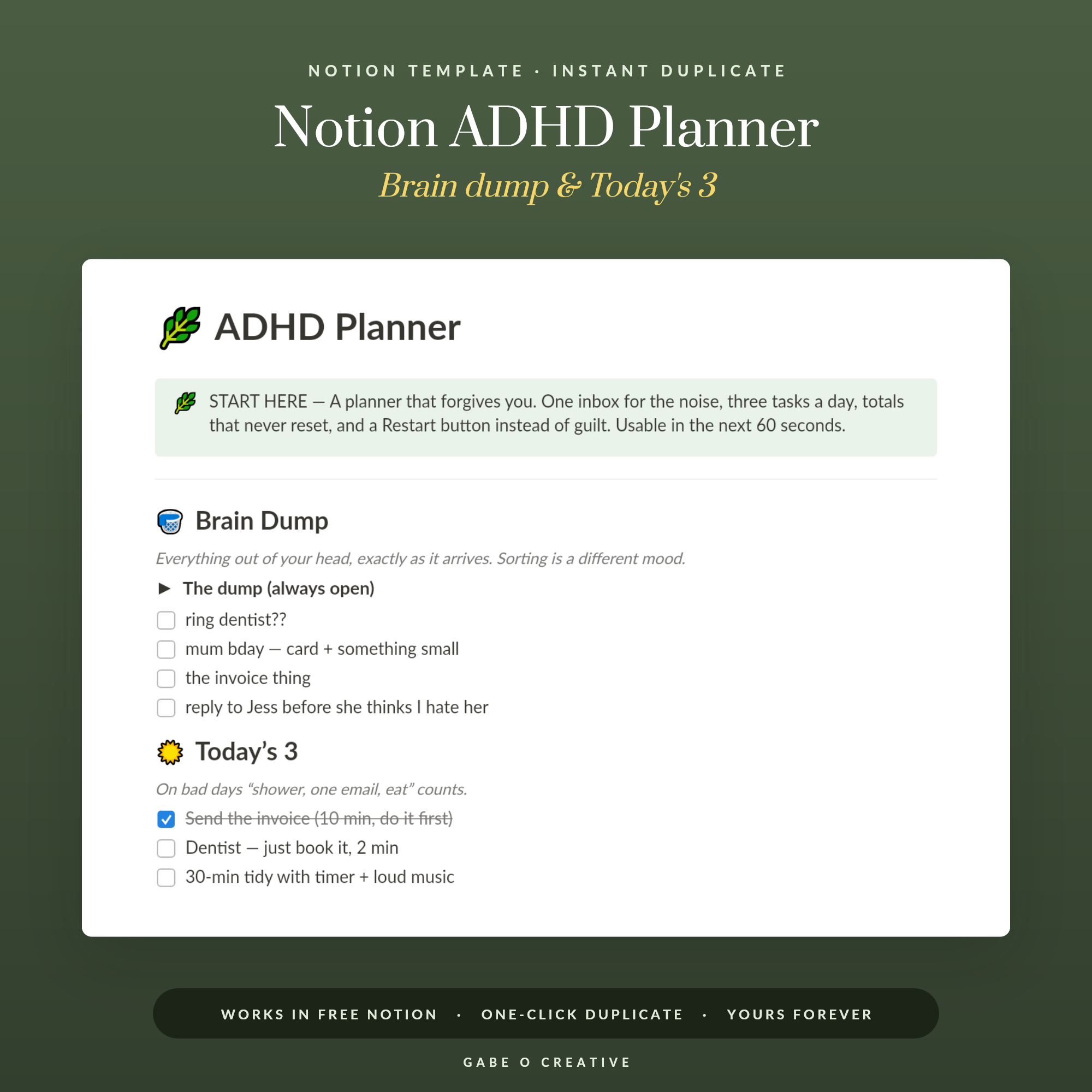
Notion for ADHD has a particular failure pattern, and almost everyone with an ADHD diagnosis recognises it: a weekend spent building something genuinely beautiful, three weeks of using it, and then a dashboard you avoid opening because it's full of tasks from February. The tool isn't the problem. The problem is that building the system produces the same hit as doing the work, so the system keeps growing while the work doesn't. The fix is counter-intuitive — build less. Our ADHD Notion planner is deliberately small for exactly that reason.
Want to skip the setup spiral? Duplicate the ADHD Notion template, use it as-is for two weeks, and resist changing anything until then.
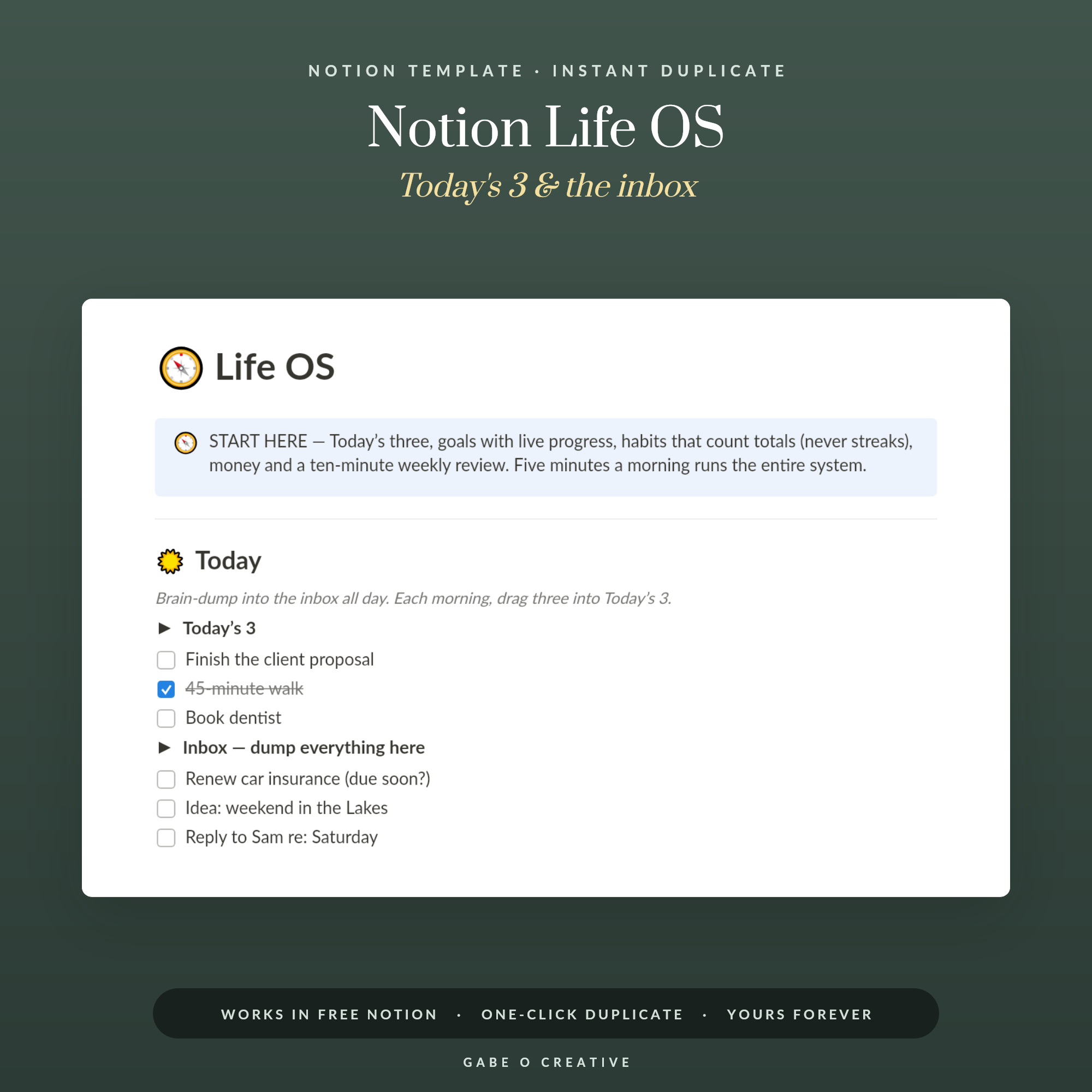 Shop Notion Life OS — All-in-One Life Dashboard Template for Notion: Today's 3, Goals with Progress, Habit Totals, Money Tracker & Weekly Review →
Why Elaborate Systems Collapse
Three things kill an ADHD Notion setup, and none of them is laziness.
- Capture is too slow. If logging a thought takes three clicks and a decision about which database it belongs in, the thought is gone before it lands. Out of sight really is out of mind here.
- Too many places to look. Every extra page is another thing to check. Once you stop trusting that you've seen everything, you stop using the system at all and go back to remembering — which is the thing that doesn't work.
- Building feels like progress. Rebuilding the dashboard is genuinely enjoyable and genuinely unproductive. This is the big one, and it's worth naming rather than pretending otherwise.
The counter to all three is the same: a system small enough to hold in your head, with one obvious place to put things.
Under-build on purpose
Whatever you're about to build, build about a third of it. You can always add later — and if you never feel the need to, that tells you the missing part was decoration. Almost nobody abandons a system for being too simple.
The Four Pages Worth Having
This is the whole system. Anything else is optional.
| Page | Job | Rule |
|---|---|---|
| Inbox | Everything lands here, unsorted | No categorising at capture |
| Today | Three to five things, no more | If it's not today, it isn't here |
| Projects | Anything with more than one step | Each has a defined next action |
| Reference | Passwords hints, links, notes | Searchable, never browsed |
The Inbox is the important one. It exists so you never have to decide where something goes at the moment you think of it — you just get it out of your head. Sorting happens later, in one pass, when you have the capacity for decisions.
Make Capture Take Five Seconds
If you do one thing from this article, do this. A system you can't add to quickly is a system you'll stop adding to.
- Put Notion's quick-capture on your phone home screen and use the widget, not the app.
- Learn one keyboard shortcut on desktop — the global quick-add. One shortcut is learnable; six aren't.
- Let the Inbox be messy. One line, no tags, no due date, no project. Anything more is friction.
- Sort once a day, at a fixed time, in one pass. Five minutes.
- Delete freely. Half of what you capture won't matter by the evening, and deleting it is a feature.
That daily sort is the habit that carries the whole thing. It works best attached to something you already do — after lunch, on the commute, when the kettle boils. If routines are the part that slips, the ADHD focus and routine planner covers building them on paper, and our guide to an ADHD planner that sticks covers why most planning systems fail at exactly this point.
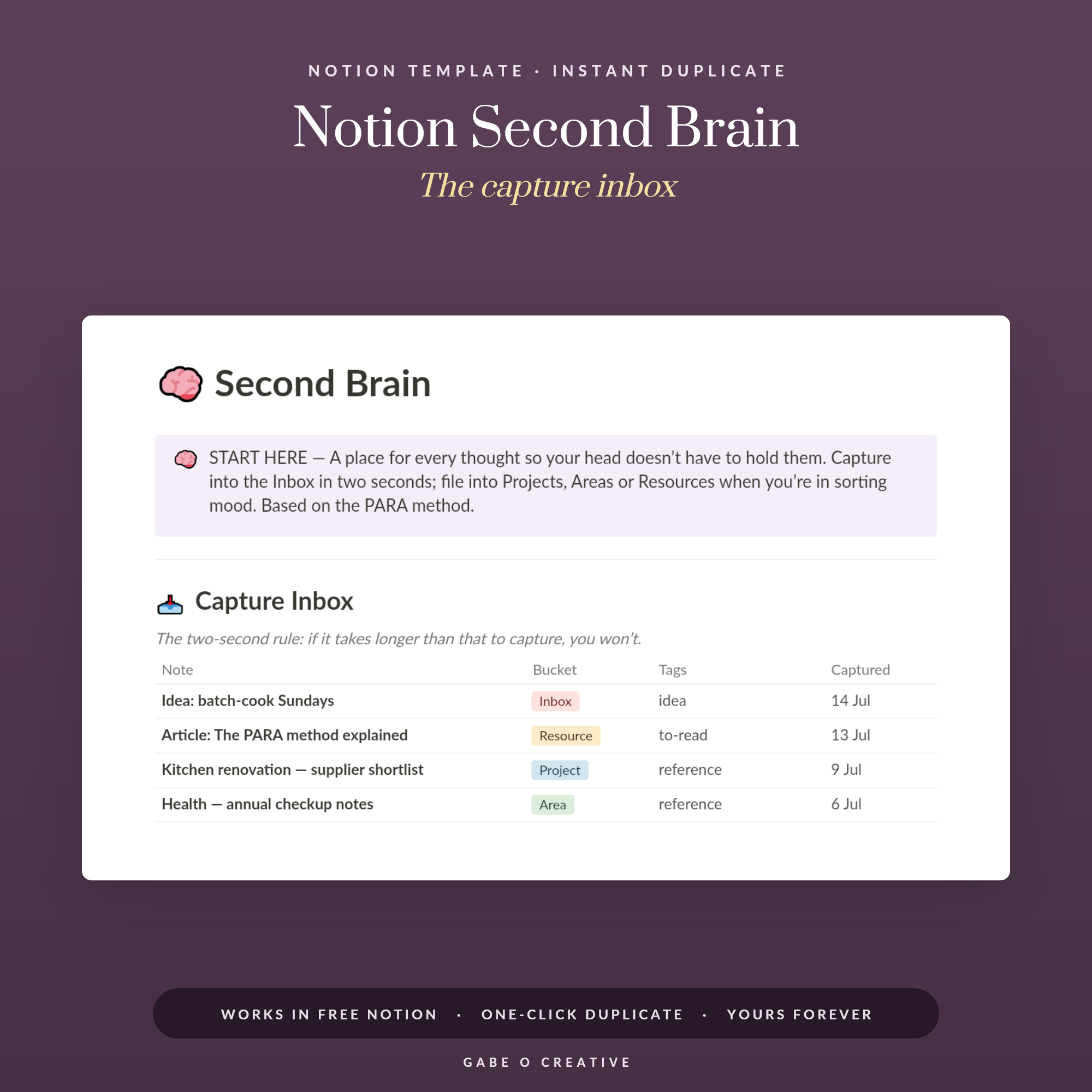 Shop Notion Second Brain — PARA Method Template for Notion: Two-Second Capture Inbox, Projects with Next Actions, Areas, Resources & Archive →
What to Do With the Rest of It
Notion's real strength for ADHD isn't task management — plenty of apps do that. It's that everything can live in one searchable place, so you never have to remember which app, folder or notebook something is in. That's a meaningful reduction in daily cognitive load.
So put the boring things in it: appointment notes, the reference number for the thing you'll need in six months, the list of what's in the loft, what you said you'd do for someone. Not organised into a beautiful hierarchy — just captured and searchable. This is where the Notion second brain approach genuinely earns its name, and our second brain setup guide covers that side properly.
For the wider life-admin picture — the paperwork, the renewals, the things with deadlines — the Notion Life OS is the fuller system, and our Life OS setup guide walks through it. Just don't start there. Start with four pages.
Paper alongside, not instead
A lot of people with ADHD do best running both: Notion holds everything, paper holds today. A physical page is faster to write on, harder to ignore, and doesn't come with a phone attached to it. The ADHD life admin planner is built for that daily layer, and our life admin guide covers how the two fit together without duplicating effort.
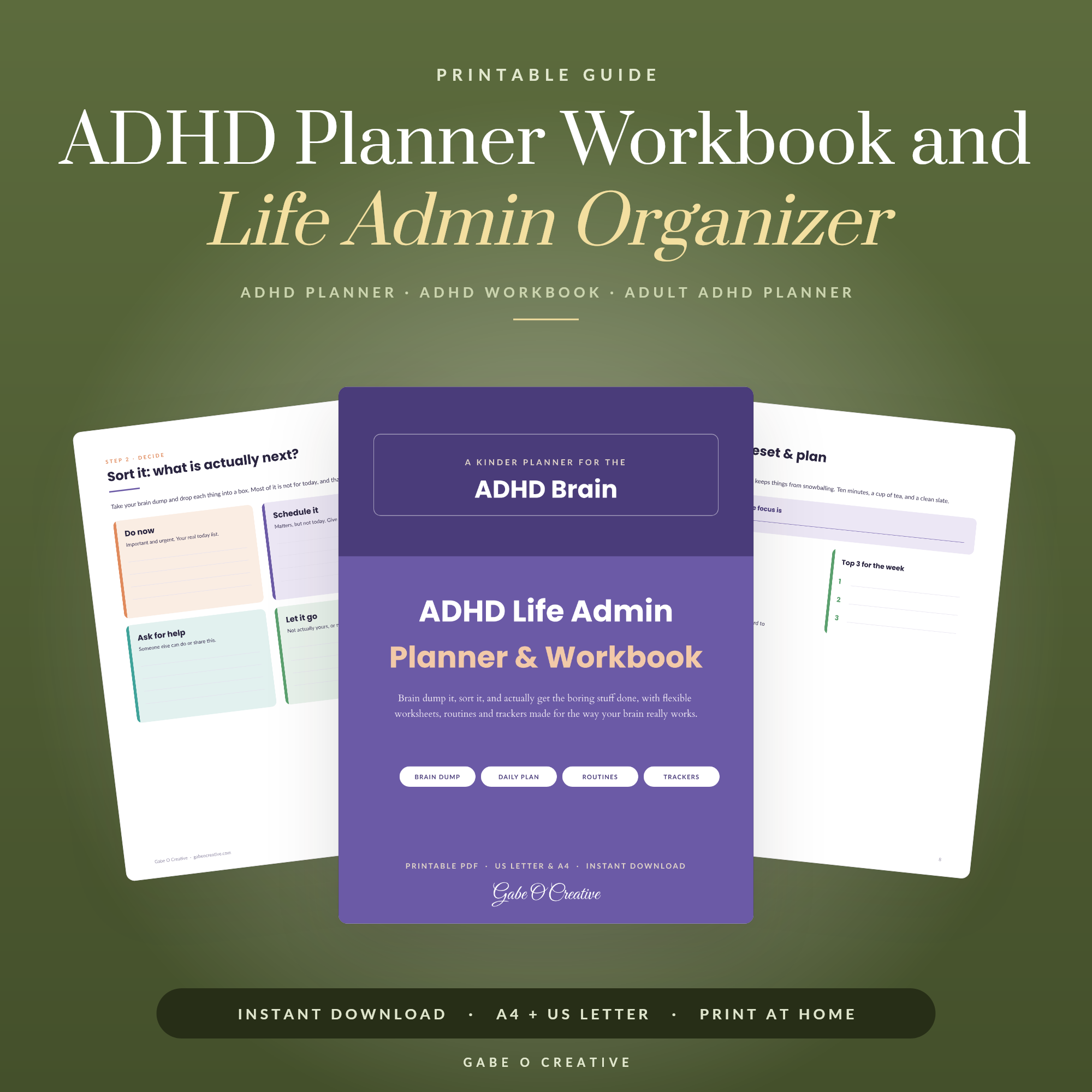 Shop ADHD Planner Workbook and Life Admin Organizer, Adult ADHD Daily Planner Printable, Brain Dump and Task Tracker, Routine Planner PDF →
The Two-Week Test
Before adding anything to your setup, run it unchanged for a fortnight. Then ask three questions, honestly.
- Did I capture things in it, or around it? If thoughts ended up in your phone's notes app, on paper, or in a text to yourself, capture is still too slow — fix that before anything else.
- Did I open the Today page most mornings? If not, it's either in the wrong place or it's showing too much. A Today page with fourteen items is a to-do list wearing a disguise.
- Did I trust it? The real test. If you were still holding things in your head as backup, the system hasn't earned trust yet — usually because something got captured and then lost in a page you never check.
Only add a feature if it answers a problem you actually hit during those two weeks. "It would be nice to track habits too" is not a problem you hit; it's the setup spiral restarting.
When to stop and use paper instead
If you've rebuilt the dashboard twice in a month and completed very little, that is useful information rather than a personal failing. It means the building itself has become the reward, and the honest move is to close Notion for a fortnight and run the same four categories on a single sheet of paper. Paper cannot be redesigned, which is precisely its advantage here. Plenty of people come back to Notion afterwards and use it far better, because they've learned what they actually needed rather than what was fun to make.
Notion for ADHD FAQs
Is Notion good for ADHD?
It can be excellent, because everything lives in one searchable place and you never have to remember where you put something. The risk is that building the system feels like progress, so it works best when you start small and deliberately under-build.
Why do I keep abandoning my Notion setup?
Almost always because capture takes too long. If adding a task needs three clicks and a decision about which database it belongs in, the thought is gone before it lands. Make capture instant and the rest follows.
How many pages should an ADHD Notion setup have?
Four is plenty: an inbox, a today view, a projects list and a reference area. Every extra page is another place to check, and unchecked places are what make a system stop being trusted.
Should I use Notion or paper for ADHD?
Many people do best with both — Notion for anything that must be searchable or shared, paper for the daily page in front of you. Paper is faster to capture on and harder to ignore; Notion is better at holding everything.
What is the biggest mistake with Notion and ADHD?
Rebuilding instead of using. Redesigning the dashboard produces the same satisfaction as doing the work, which is why so many setups look beautiful and hold three real tasks.
Do I need a paid Notion plan?
No. The free personal plan covers everything described here, including unlimited pages and databases. Paid plans mainly add collaboration features you won't need for a personal system.
Start with something already built. Duplicate the ADHD Notion planner and use it unchanged for a fortnight, or browse the full Notion Templates collection.