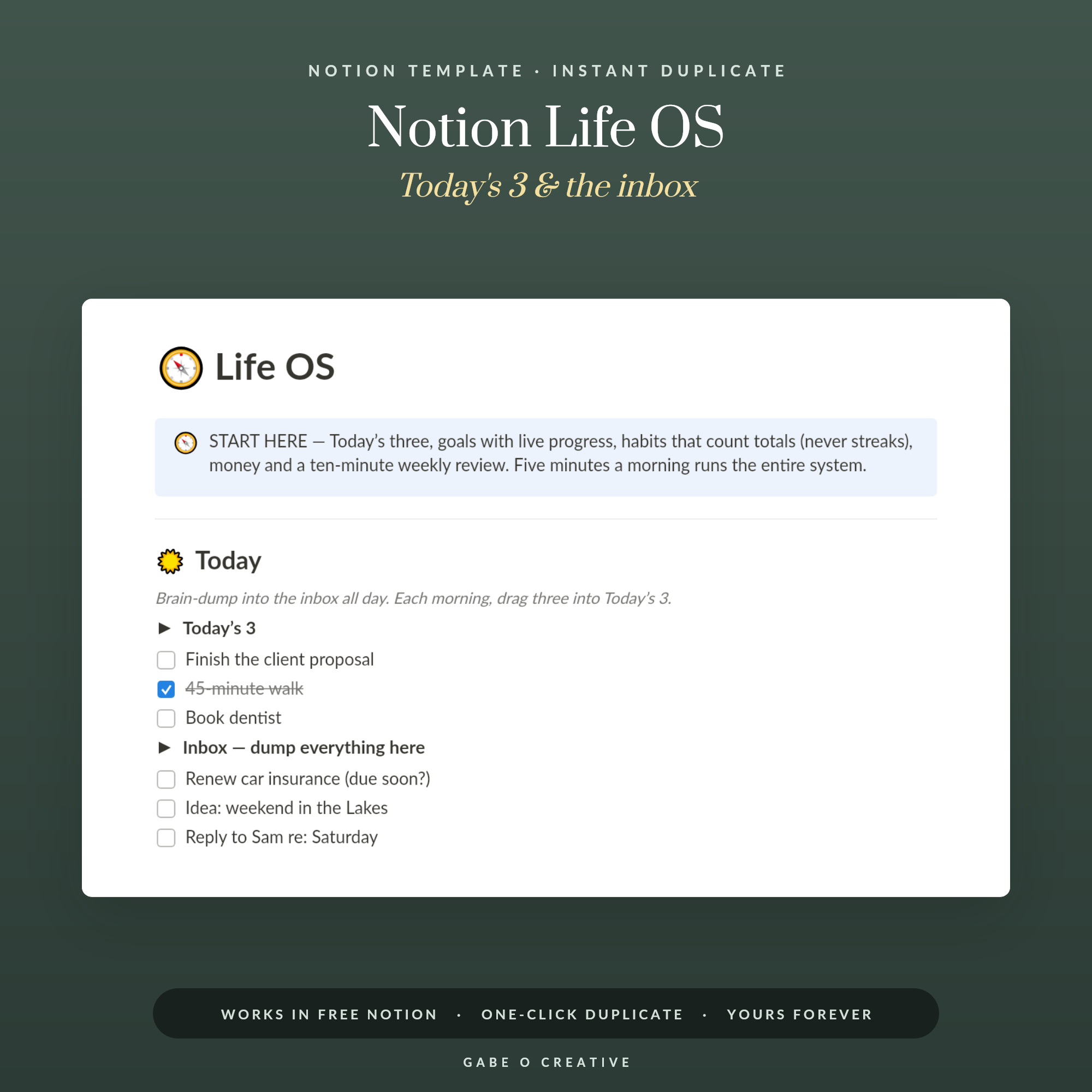
A Notion life OS almost never fails because it was built badly. It fails because it was built enthusiastically — fifteen databases, nested templates, a rollup nobody remembers the purpose of — and then the person who built it discovers that capturing a thought takes eleven clicks. At that point a scrap of paper wins, and it deserves to. The systems that survive are noticeably plainer than the ones people post screenshots of. The Notion Life OS is deliberately built at the plain end.
If you are not sure what people mean by a "Notion OS" in the first place, start with what a Notion OS actually is; this guide is about building one that survives.
The Six That Earn Their Place
Everything most people need sits in six databases, and several of you will only need four.
- Tasks — everything that has a next action. One place, not one per project.
- Goals — the handful of outcomes that tasks are meant to serve.
- Notes — the second-brain half: things you want to find again.
- Habits — the repeating things, tracked lightly.
- Money — subscriptions, bills, anything with a renewal date.
- People — birthdays, who you owe a reply to, what matters to them.
The People database is the surprising one
It is the one most people leave out and the one that produces the most obvious benefit. A line per person with their birthday, what they are dealing with at the moment, and when you last spoke turns vague guilt into a thirty-second action. It is also the least likely to feel like admin, because the payoff is immediate.
Relations, Not Folders
This is the whole reason to use Notion rather than a notes app, and it is where the mental model has to shift.
In a folder system, a thing lives in one place. A note about pricing sits in either "Business" or "Reading", and whichever you choose, you will sometimes look in the other one. In Notion, a relation links entries across databases (Notion describes it as a way to express relationships between items in different databases), so that note can belong to a project, a goal and a person at once, and appear in all three views without being duplicated.
| Link | What it gives you |
|---|---|
| Task → Goal | See whether this week's work serves anything you care about |
| Note → Project | Everything you read about a thing, in one place |
| Habit → Goal | Shows which habits are actually load-bearing |
| Money → Renewal date | Subscriptions surface before they charge you |
| Person → Note | What you discussed, findable next time |
The first row is the one that changes behaviour. A task list without goals attached tells you what you did; a task list with goals attached tells you, sometimes uncomfortably, how much of last week served nothing you had chosen.
Why Elaborate Systems Collapse
Building is fun. Using is not. That asymmetry explains almost every abandoned Notion workspace, and it is worth designing against rather than pretending you are immune.
The specific killer is capture friction. If adding a stray thought requires opening the right database, choosing a type, setting a status and picking a relation, it will not happen on a Tuesday when you are busy — which is exactly when the thought arrives. Everything else in the system can be as elaborate as you like, but capture must be one click into one inbox, with sorting done later.
One inbox, sorted weekly
Give yourself a single unsorted inbox and permission to dump into it. Tidy it once a week. This is the difference between a system that catches your life and a beautiful one that catches nothing, and it is the single most important design decision on this page.
The Fifteen-Minute Review
Once a week, same slot, fifteen minutes. Three things:
Clear the inbox. Everything you dumped in gets a home or gets deleted. Most of it gets deleted, and that is fine — the point of capture is that you stopped carrying it, not that it was all valuable.
Look at what did not get done. Not to feel bad about it. Something appearing for the fourth week running is telling you it is not actually going to happen, and deleting it is a legitimate answer.
Pick three priorities for next week. Three, linked to goals. More than three is a list, not a priority.
If your review takes an hour, the system is too big. That is the diagnostic — a review that becomes a chore is the last stage before abandonment, and the fix is deleting databases rather than trying harder.
Views do the work properties cannot
One database can look like a dozen different tools depending on how you view it. Notion's own introduction to databases points out that your data isn't limited to a table: the same database can be shown as a list, a calendar, a chart and more. So the same tasks table becomes a today list filtered to due dates, a board grouped by project, and a calendar, without duplicating a single entry.
This is why six databases is enough. People add a seventh because they want a different arrangement of information they already have, when what they actually needed was another view of an existing table. Before creating anything new, check whether a filter would do it.
Start From Something That Works
Building from scratch teaches you Notion. That is a genuinely worthwhile thing to learn, and it is a different goal from having a working system this month — most people who start from a blank page are still adjusting properties in March.
Take a template, use it unchanged for a fortnight, then change the things that annoyed you. Two weeks of real use tells you more about what you need than any amount of planning, and it means the changes you make are answers to problems you have actually had.
If your priority is capturing and finding information rather than running your week, our guide to the Notion second brain covers the PARA approach and the notes half in depth — plenty of people run that alongside this, or start there and add the life-management databases later. The Notion Second Brain is the template for that side, and the Notion Student OS is the version built round terms, modules and deadlines.
Notion Life OS FAQs
What is a Notion life OS?
A single Notion workspace holding the handful of databases your life actually runs on — tasks, goals, habits, notes, money and people — linked together so one entry can appear wherever it is relevant instead of being duplicated.
How many databases do I need?
Six is plenty and four is often enough. The failure mode with Notion is never too few databases; it is fifteen, each half-populated, with nobody quite sure which one a new thought belongs in.
What are relations and why do they matter?
A relation links an entry in one database to an entry in another — a task to a goal, a note to a project. It is the one thing Notion does that folders cannot, and it is the reason to use Notion rather than a notes app.
Why do most Notion setups get abandoned?
Because building is more enjoyable than using. People spend a weekend on an elaborate system, then find that daily capture takes too many clicks — and a system that is slower than a scrap of paper loses to the scrap of paper.
Should I build my own or start from a template?
Start from a template and change it. Building from scratch teaches you Notion, which is a different goal from having a working system — and most people who build from scratch are still building in March.
How long should the weekly review take?
Fifteen minutes. Clear the inbox, look at what did not get done, pick next week's three priorities. If it takes an hour you have too many databases, and the review will quietly stop happening.
Use it before you improve it: run whatever system you choose unchanged for two weeks, then adjust what annoyed you.