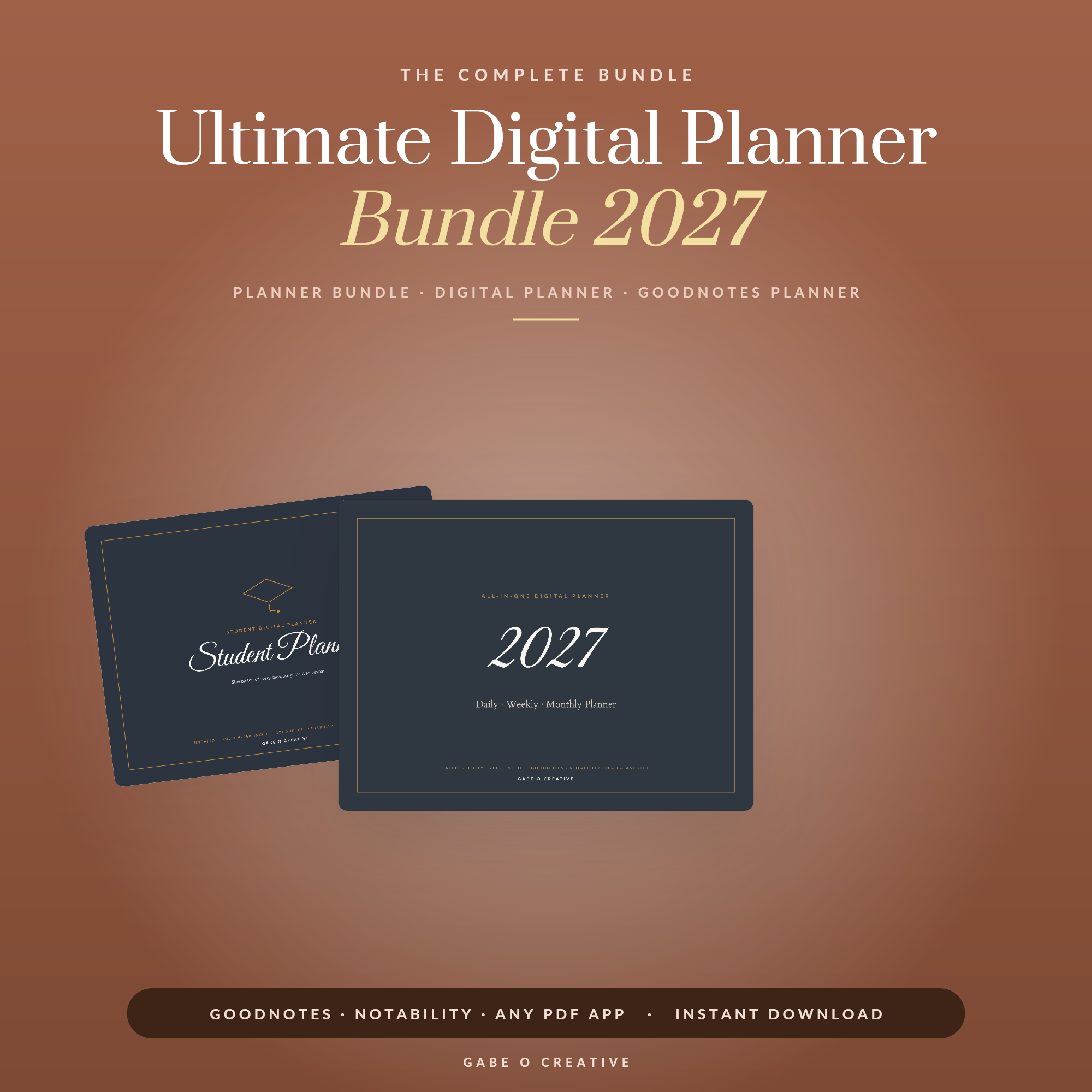
Digital planner vs paper planner comes down to one honest question: do you actually finish what you write in it, or does it end up abandoned by February? Paper wins on tactile memory and zero screen time; digital wins on search, backup and the ability to carry ten years of planners in one iPad. Neither is "better" in general — one of them is better for how you specifically plan. If you're leaning digital, our Digital Planner Bundle gives you 5 layouts to test before committing to one.
Trying digital first? The Digital Planner Bundle lets you test 5 different layouts in GoodNotes before you settle on one.
 Shop 2027 Digital Planner →
Digital Planner vs Paper Planner: What Actually Differs
A paper planner is a fixed physical object: once printed, its layout, page count and dates can't change. A digital planner is a PDF you write on with a stylus inside an app like GoodNotes, which means the same file can hold 365 days, 12 subject tabs and a searchable archive of three years of notes, all in a device you already carry. The real difference isn't the writing experience — both use a pen-like tool on a page — it's what happens to the page after you've filled it.
Paper pages are done the moment they're full. Digital pages stay searchable, duplicable and backed up forever, which is either a huge advantage or an irrelevant one depending on whether you ever go looking for something you wrote 6 months ago. That single distinction, more than layout or price, is usually what decides which format someone sticks with a year later. Neither habit is wrong on its own — the mismatch only shows up when the format you picked fights against how you naturally think, rather than supporting it.
Where Paper Planners Still Win
Writing by hand on real paper measurably improves recall — several memory studies point to better retention from handwriting versus typing, and a stylus-on-glass motion doesn't fully replicate the friction of pen on paper for some people. Paper also has zero setup: no app to open, no battery to charge, no tab structure to learn. For a to-do list glanced at 20 times a day, that instant, screen-free access can beat any digital system.
Paper is also easier to keep away from your phone. A digital planner lives on the same device as every notification and app that competes for your attention; opening GoodNotes means walking past your inbox and Instagram to get there. If your planning sessions regularly turn into 20-minute phone scrolls, paper removes that specific failure mode entirely. It also survives a dead battery, a cracked screen or a forgotten charger — none of which stop a pen.
 Shop Dark Mode Digital Planner →
Where Digital Planners Win
A digital planner's biggest advantage is that nothing is ever really finished. Make a mistake and undo it instead of crossing it out; run out of space and duplicate the page instead of buying a new notebook; need last March's notes and search the text instead of flipping through a stack of old planners. None of this exists on paper at any price.
The Hyperlink Advantage
A well-built digital planner uses clickable tabs to jump between months, subjects or projects in a single tap — the same navigation a website gives you, built into a PDF. (If tabs stop working after import, that's almost always fixable — see our GoodNotes hyperlinks guide.) That single feature turns a 365-page planner into something you can navigate in seconds, which a spiral-bound paper equivalent simply cannot do.
Digital planners are also disaster-proof in a way paper never is: lose your iPad and your planner is still safe in iCloud, whereas a lost paper planner takes a year of notes with it. And because the file never runs out of pages, one dated digital planner replaces an entire shelf of yearly paper refills — a saving that adds up over 3 or 4 years of not rebuying a new notebook every January.
Digital vs Paper: Head-to-Head
Here is how the two actually compare across the 5 factors that matter most:
| Factor | Paper | Digital |
|---|---|---|
| Recall & focus | Stronger — no notifications nearby | Weaker unless notifications are muted |
| Searchability | None — must flip pages | Full text search across every page |
| Mistakes & edits | Crossed out or scribbled over | Undo, or duplicate a clean page |
| Cost over time | A new refill every year | One file, reused indefinitely |
| Backup if lost | Gone for good | Safe in cloud storage |
Which One Should You Actually Choose
If you've tried three different paper planners and abandoned all of them by week 3, the problem probably isn't the layout — it's that paper isn't how you naturally organise, and a searchable, endlessly-editable digital system may finally stick. If you've never had trouble sticking with a paper planner and mainly want less clutter, there's no real reason to switch; the pull to go digital is strongest for people who genuinely need search, backup or a hyperlinked tab structure, not everyone.
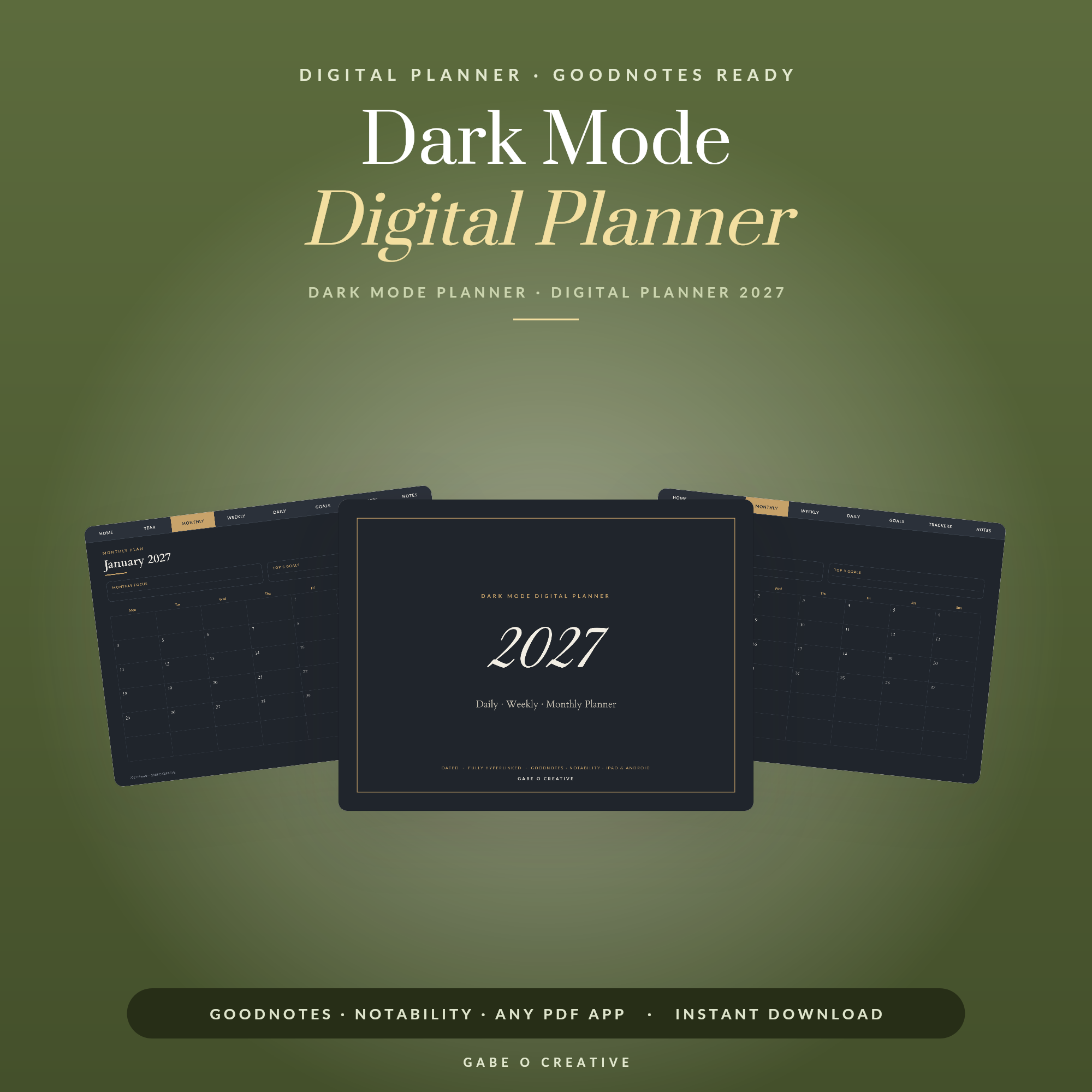
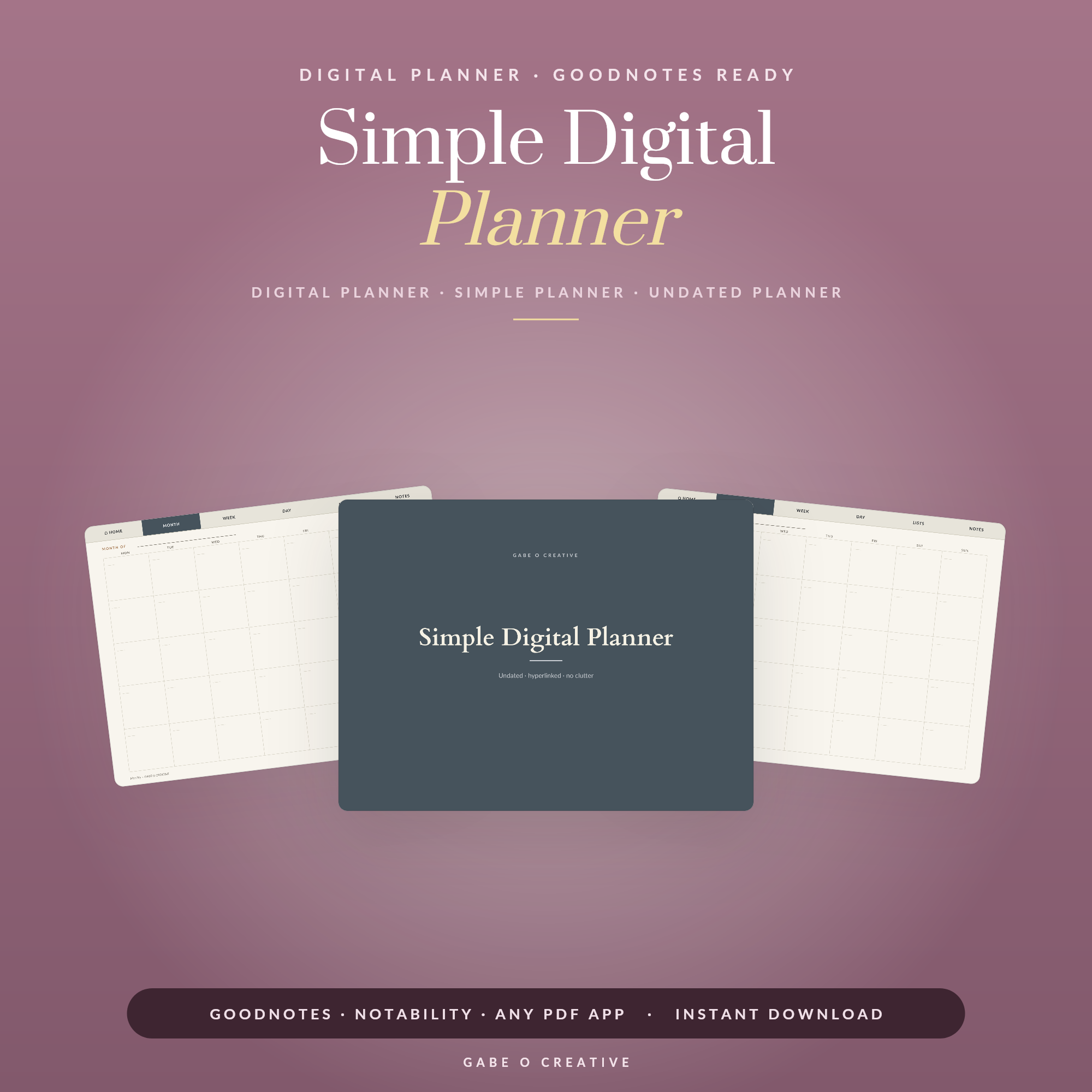
You don't have to choose blind. A dark mode digital planner for evening use alongside a small paper notebook for daytime capture is a common middle ground, and testing the Digital Planner Bundle's 5 layouts for a fortnight costs far less than buying and abandoning another paper planner. For a lighter first try, the Simple Digital Planner (undated) removes the pressure of a full annual system while you decide, and if hyperlinked subject tabs matter more to you than dates, the Digital Notebook is built specifically for that.
 Shop Simple Digital Planner (Undated) →
Digital Planner vs Paper Planner FAQs
Is a digital planner better than a paper planner?
Neither is universally better — paper suits people who plan best away from screens and value handwriting for recall, while digital suits people who need search, backup, or a system that scales past one notebook a year. The better choice depends on why past planners have failed you, not on the format itself.
Do digital planners actually help you stay organised?
They can, particularly for people who lose paper planners, need to search old notes, or want one file to replace several years of paper refills. They help less if the real issue is discipline rather than the tool, since a phone-based system sits next to every other distraction on the same device.
What do you lose by switching from paper to digital?
Mainly the memory benefit of handwriting on a physical surface, and the built-in distance from notifications. Some people also find a stylus on glass feels less satisfying than pen on paper, which can quietly reduce how often they open the planner at all.
Can I use both a paper and a digital planner together?
Yes, and many people do — paper for quick daily capture away from screens, digital for anything that benefits from search, tabs or long-term storage, like project notes or a yearly overview.
Do I need an Apple Pencil for a digital planner?
A stylus makes handwriting far more natural, but any capacitive stylus works, not just Apple Pencil. GoodNotes also accepts typed text, so a stylus isn't strictly required if you mainly plan by typing.
Will a digital planner work if I'm not good with technology?
Most digital planners need only two skills: importing a PDF into GoodNotes and tapping a tab to navigate. If tabs don't respond after import, it's almost always an import setting, not a sign the format is too complicated — see our troubleshooting guide.
Ready to try digital without committing to one layout? The Digital Planner Bundle includes 5 different styles, or browse the full Digital Planners collection to compare.