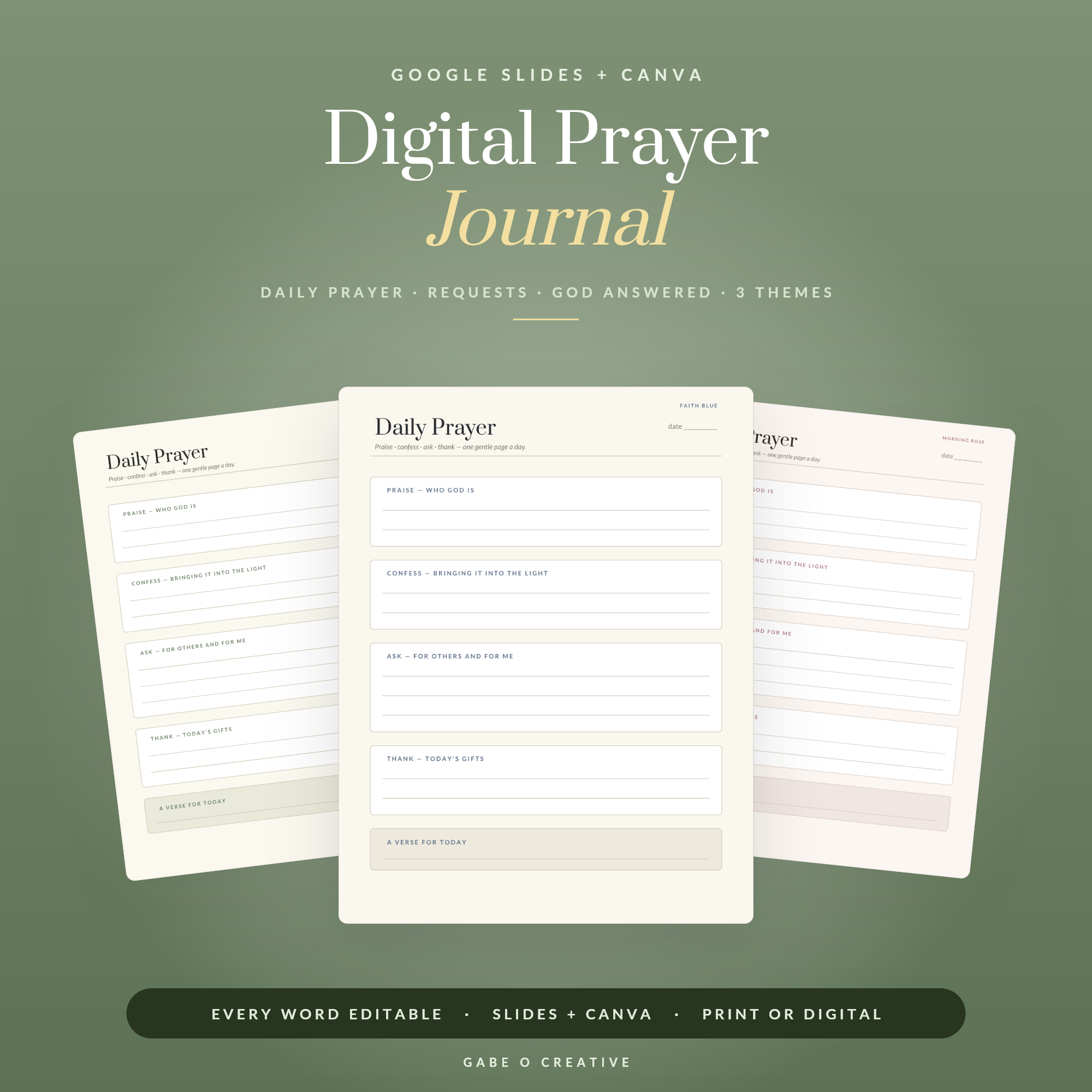
A digital prayer journal is, at its simplest, a template you duplicate and fill in on a phone, tablet or laptop instead of on paper — usually built in Google Slides or a similar app so every page is a text box rather than a blank sheet. The appeal isn't that it's more spiritual than paper; it's that it's already in your pocket. A journal that requires finding a notebook and a pen tends to get skipped on the days it would help most — the commute, the waiting room, the ten minutes before sleep.
The ACTS structure most guided journals use
Most digital prayer journals, including printed ones long before them, are built around the same four-part shape rather than a blank page. The Navigators' explanation of the ACTS prayer model breaks it into:
| Letter | Focus | What it looks like |
|---|---|---|
| A — Adoration | Praising God for who He is | Naming an attribute or reading a psalm of worship |
| C — Confession | Naming sin not yet brought to Him | Specific, not general — the actual thing, not just "I've fallen short" |
| T — Thanksgiving | What He has done, is doing, will do | A specific answered prayer or provision, not a vague "thank you for everything" |
| S — Supplication | Asking earnestly for needs | Your own requests (petition) and other people's (intercession) |
The value of a fixed structure like this is less theological than practical: a blank page is the single biggest reason a journal gets abandoned by week two, and a template that already has four short sections removes the "what do I even write" hesitation before it starts.
What a day actually looks like
The mechanics are simple, whichever app the template lives in: duplicate a daily page each morning or evening, work through the same four sections, and move anything from the requests section into a separate "answered" log once it resolves — which is worth keeping as its own page rather than deleting the original request, since it's the part most people go back and reread later. A prayer request board that's always visible (rather than buried inside each day's entry) makes it easy to add a name the moment it comes up, instead of trying to remember it that evening.
The Digital Prayer Journal is built around exactly this shape — daily pages guided through the four ACTS sections, a standing prayer requests board, and a separate "God Answered" log — as an editable Google Slides file with a Canva version included, so it opens on whatever's already in hand rather than needing a specific app installed.
When paper is still the better choice
A digital journal isn't a strict upgrade. A printed one has no screen and no notifications competing for attention, which matters for anyone who finds a screen itself distracting during prayer. It's also a physical object — a real notebook filled in by hand carries a weight a Google Slides file doesn't, especially as a keepsake looked back on years later. Handwriting also forces a slower pace than typing, which some people prefer for something reflective rather than quick. Plenty of people end up using both: a digital journal for the daily habit precisely because it's frictionless, and a printed one for something slower, kept for longer, or given as a gift.
If paper is the better fit, the printable prayer journal and the prayer and Bible study journal cover that side without losing the same guided structure, and the Faith & Prayer bundle covers both formats together for anyone who wants the option of either on a given day.