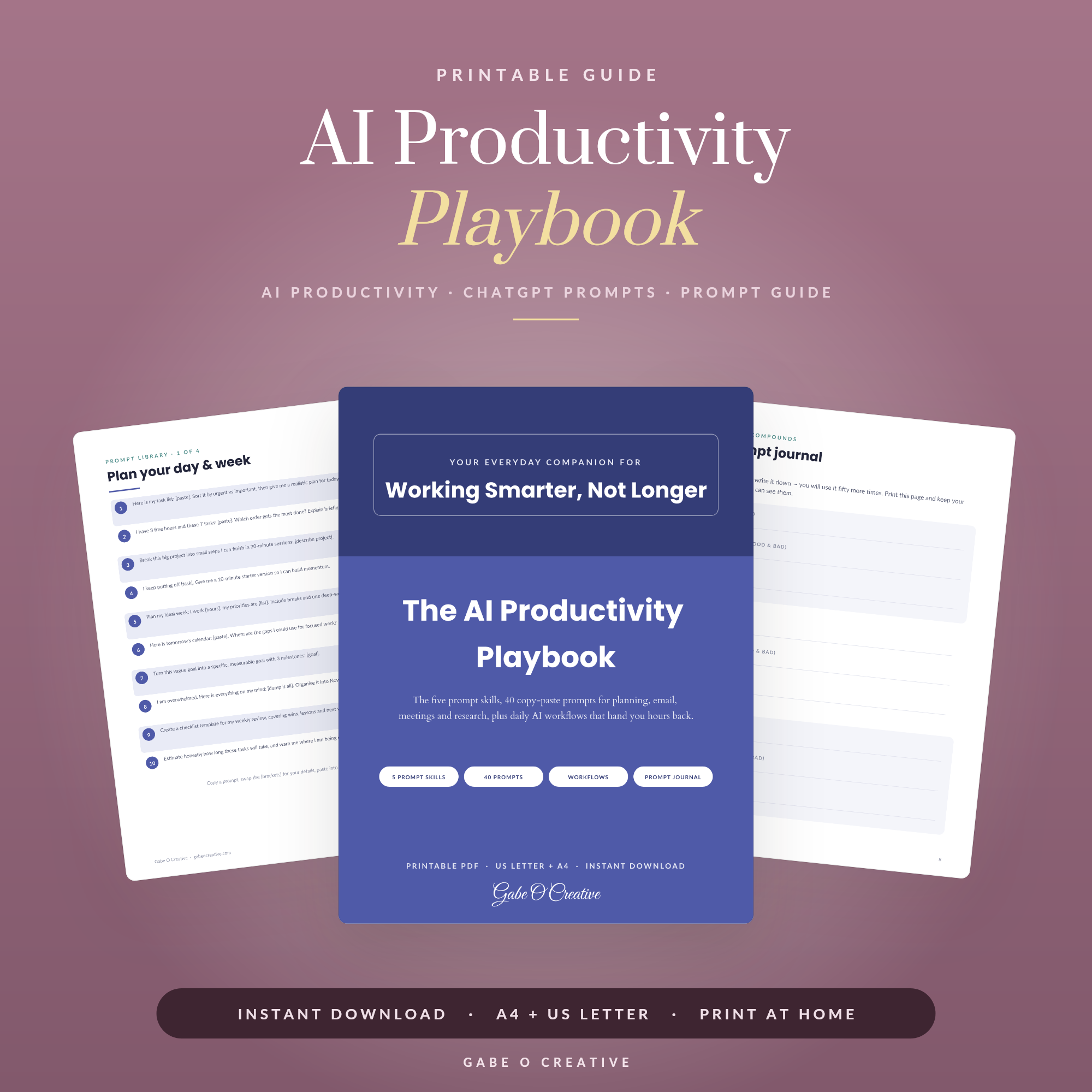
There are two unhelpful positions on AI productivity: that it changes everything, and that it is useless. The truthful version is narrower and more practical — it saves genuine time on about four kinds of task, and quietly costs you time on most others. Knowing which is which is the entire skill, and it takes about ten minutes to learn. Our AI productivity playbook is the working version of what follows.
Not sure where it fits? Pick the one task that annoys you every week, try delegating just that, and judge it after a fortnight rather than a day.
 Shop AI Prompts for Everyday Life, 75 ChatGPT Prompts for Meal Planning, Budgeting, Home Organization and Travel, Beginner Friendly Printable PDF →
The Four Jobs Worth Delegating
These have a shape in common: you can judge the output faster than you could have produced it.
- First drafts. Not final copy — the blank-page problem. Reacting to something mediocre is far faster than starting from nothing, and most people's real bottleneck is starting.
- Restructuring what already exists. Your messy notes into an agenda, a long email into three bullets, a transcript into actions. This is where it is genuinely strongest, because the substance is already yours.
- Explaining unfamiliar material. A contract clause, a spreadsheet formula, a bit of jargon everyone else seems to understand. Ask for it plainly and ask follow-ups without embarrassment.
- Being argued with. "Here is my plan — what is the strongest case against it, and what am I not considering?" It is better at finding the gap in your reasoning than at telling you what to do.
The common thread
All four are jobs where you supply the substance and judgement, and the tool supplies structure or speed. The moment you are asking it to supply the substance too, you are in the territory where it invents things.
The Test That Decides It
One question settles almost every case: would checking the output take longer than producing it myself?
| Task | Delegate? | Why |
|---|---|---|
| Rewrite this email politely | Yes | Judging tone is instant |
| Summarise these notes | Yes | You know if it missed something |
| What are this year's tax thresholds | No | You must verify every figure anyway |
| Add up these columns | No | A spreadsheet is exact and instant |
| Draft a plan for X | Yes | You are reacting, not accepting |
| Facts about a real person | No | It confuses people and invents details |
Short factual lookups are the case people get wrong most often. Asking a chatbot for a number you will then have to check is strictly slower than looking the number up — you have done the work twice and added a confident-sounding wrong answer to the process.
 Shop 90 Day Goal Planner →
Why Elaborate Setups Collapse
The commonest failure is not using AI badly. It is building a system around it — chained prompts, a folder of templates, an automation that fires on a schedule — before knowing whether the underlying task was worth automating.
Building the system is enjoyable and produces the feeling of progress without any of it. Two weeks later the workflow is unused, because it was designed around a tool rather than a bottleneck. If that pattern sounds familiar, it is the same one that eats Notion setups — our guide to Notion for ADHD covers it in more depth, and the fix is identical: start with the annoying task, not the impressive system.
So: delegate one task. Use it for a month. Only then add a second. Almost nobody regrets going too slowly here.
Keep your own material in the loop
Output that sounds generic almost always came from a prompt with nothing personal in it. Give it your notes, your half-written draft, your actual constraints — and ask it to reshape rather than invent. The difference in quality is not subtle, and it is the single biggest lever on whether the result is usable.
What to Keep for Yourself
- The thinking you are trusted to do. If the judgement is the job, delegating it is not efficiency — it is skipping the work.
- Anything where confident wrongness causes harm. Medical, legal and financial specifics. It will produce a fluent answer either way, which is precisely the danger.
- Arithmetic that must be right. Use a spreadsheet — that is what the business planner and the Google Sheets range exist for.
- Anything you would send unread. If it is not worth checking, it probably was not worth sending.
And one boundary worth setting deliberately: do not put anything confidential into a tool you have not checked the terms of. Client details, medical information, anything covered by an agreement. The convenience is not worth the exposure, and "I did not think about it" is not a defence anyone accepts afterwards.
A Reasonable Starting Point
If you want the smallest version that actually helps: keep a short document of the five prompts you find yourself rewriting, use it for first drafts and restructuring only, and check anything factual. That is most of the available benefit, with almost none of the risk or the setup.
Our everyday AI prompts guide covers the household version of this — meal plans, difficult messages, turning a vague worry into a checklist — and the prompt pack collects the ones worth saving. If starting is the part that stalls, that is a different problem and a well-documented one: the ADHD life admin planner and our life admin guide deal with it directly. For goals rather than tasks, the 90-day goal planner is the paper counterpart.
 Shop Small Business Planner →
Three Habits That Do Most of the Work
Beyond choosing the right tasks, three habits separate people who get real value from people who find it disappointing.
Argue with the first answer. The first reply is a draft, not a result. "Shorter." "Less corporate." "You have assumed I have a team — I do not." People who find it useful push back once or twice; people who find it useless accept or abandon the first output. This single habit is the largest difference in outcome.
Say what a bad answer looks like. Constraints do more for quality than politeness or detail — "no bullet points", "do not suggest hiring anyone", "assume no budget". Naming what to avoid is the most reliably skipped and most effective part of any request.
Keep the ones that worked. A prompt you rewrite from memory each time is a small chore; one you paste takes seconds and improves every time you adjust it. Ten saved prompts shaped around your actual work beat any published list, because they know your constraints.
How to tell if it is genuinely helping
After a fortnight, ask one question: what did I stop dreading? If the honest answer is nothing, the tasks you delegated were not the annoying ones. If it is "writing the difficult email" or "starting the report", it is working — and that is the point at which adding a second task makes sense.
Be equally willing to conclude it is not for a given job. Plenty of work is faster done directly, and noticing that quickly is a skill rather than a failure.
AI Productivity FAQs
What is AI actually good for in daily work?
Four things: first drafts, restructuring something that already exists, explaining unfamiliar material, and being argued with. Everything else is usually slower than doing it yourself.
When does using AI cost more time than it saves?
When checking the output takes longer than producing it would have — short factual lookups, anything needing precision, and anything where you would have to verify every line anyway.
Should I build a whole workflow around AI?
Not at first. Elaborate setups usually collapse because they are built around the tool rather than a real bottleneck. Find the task that annoys you weekly, delegate that one, and only add more once it has held for a month.
How do I stop AI writing sounding generic?
Give it your own material to work from — your notes, your draft, your voice — and ask it to restructure rather than generate. Text produced from nothing reads like it was produced from nothing.
What should never be delegated to AI?
Anything where being confidently wrong causes harm — medical, legal and financial specifics — plus the thinking you are actually paid or trusted to do. Delegating the judgement is not a shortcut, it is skipping the work.
Do I need to pay for a tool to get value from this?
No. Everything described here works on the free tiers. Paid plans mainly buy speed, longer conversations and file handling, none of which change whether a task is worth delegating.
Start with one task. The AI productivity playbook covers the workflows in full, or browse the Guides & Workbooks collection.