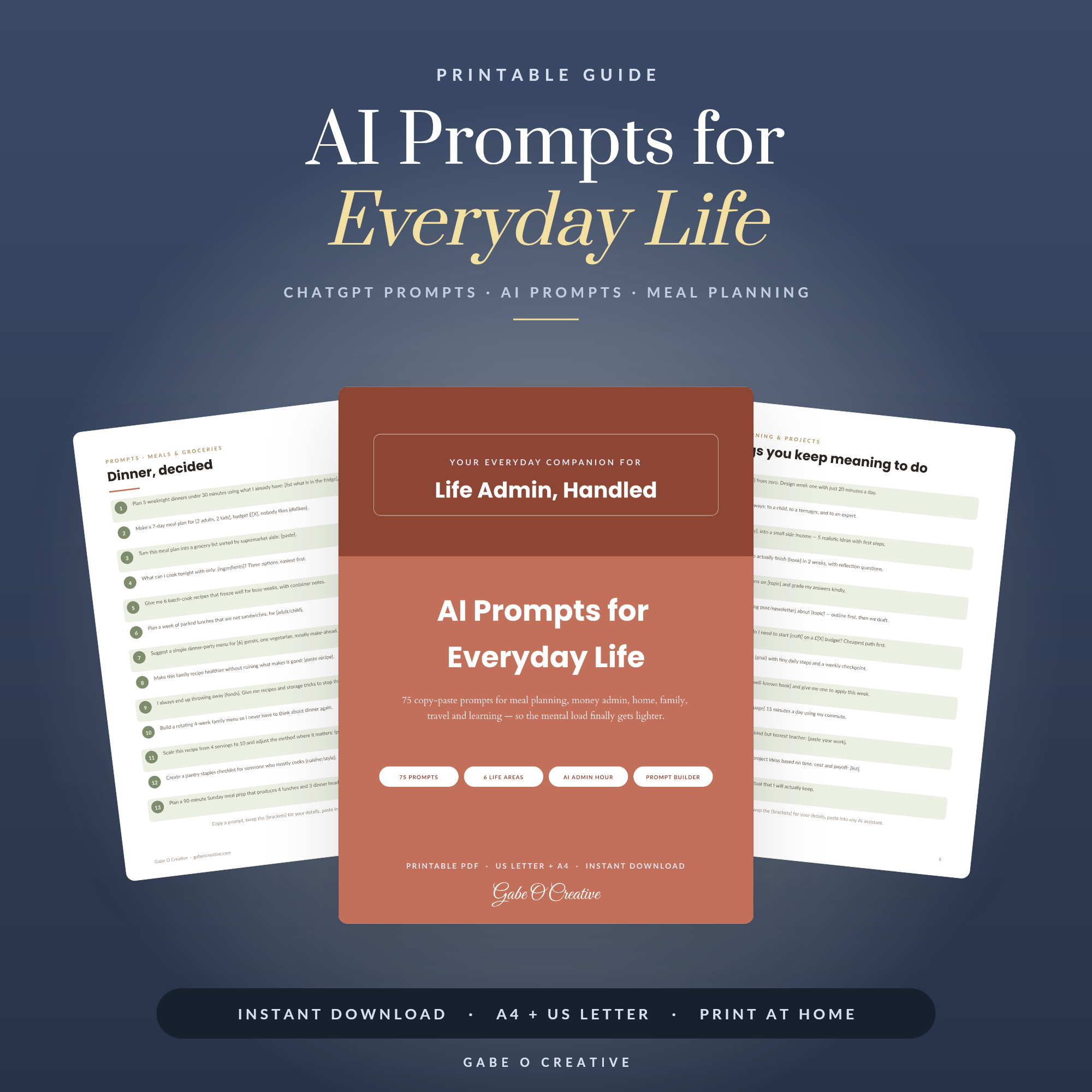
Almost every list of AI prompts for everyday life is really a list of work prompts wearing a cardigan — write my sales email, summarise this report. The genuinely useful ones are duller and more domestic: what to cook with what's actually in the fridge, how to word a message you've rewritten four times, how to turn a vague sense of being behind into a list you can act on. The pattern behind all of them is the same, and once you see it you stop needing prompt lists at all. Our everyday AI prompt pack collects the ones worth keeping in one place.
Want them ready to paste? The AI prompts for everyday life pack is grouped by situation — meals, admin, money, difficult messages — so you're not writing from scratch each time.
 View product →
What Makes a Prompt Work
The difference between a useless answer and a useful one is almost never the tool. It's four things, and most people supply one of them.
- Context — who this is for and what your constraints are.
- The actual job — not "help with dinner" but "plan five evening meals".
- The format you want — a table, five bullets, a shopping list grouped by aisle.
- What to avoid — no fish, nothing needing an oven, keep it under £40.
Compare: "Give me a meal plan" against "Plan five evening meals for two adults and a fussy six-year-old. No fish. Under £40 total. Give me the meals, then one shopping list grouped by supermarket aisle." Same tool, thirty seconds more typing, an answer you can genuinely use.
The second reply is the real one
Treat the first answer as a draft to react to. "Shorter." "Less formal." "Assume I have no time on Wednesday." People who find AI disappointing usually accept or abandon the first reply; people who find it useful argue with it once.
The Prompts Worth Keeping
These are the categories that earn their place in a saved list, because they come round constantly.
Food and the weekly shop
"Here's what's in my fridge and cupboards: [list]. Suggest three dinners using mostly these, tell me what's missing." This is the single most-used household prompt for most people, and it's genuinely good at it — reducing waste is a pattern-matching problem, which is what the technology is for.
The message you keep rewriting
"Rewrite this so it's firm but not rude: [your draft]." Chasing an unpaid invoice, declining an invitation, raising something with a neighbour or a school. Write it angry first, then ask for it to be made professional. It is very good at removing the sentence you'd have regretted.
Turning worry into a list
"I'm moving house in six weeks. Ask me five questions, then build me a checklist." Asking it to interrogate you first is the trick — it produces something specific rather than the generic list you could have found anywhere.
Decisions
"Help me think through whether to [decision]. Give the strongest case each way, then tell me what information I'm missing." That last clause is the valuable one. It's better at spotting the gap in your reasoning than at telling you what to do.
| Situation | Ask for |
|---|---|
| Empty fridge | Meals from what you have, plus the gaps |
| Awkward message | A rewrite with the tone named |
| Overwhelmed | Questions first, then a checklist |
| Big decision | Both cases, then missing information |
| Boring admin | A template you can reuse |
 View product →
What to Stop Asking It
The failure mode matters more than the feature list, because it always answers confidently.
- Medical, legal or financial specifics. It will give a fluent, plausible answer that may be wrong in the details that matter.
- Current prices, opening times, anything live. Check the source.
- Facts about real people. It confuses them and invents details.
- Precise arithmetic. Use a spreadsheet — that's what our business planner and the Google Sheets range are for.
- Anything you'd send without reading. If it isn't worth checking, it probably wasn't worth sending.
A simple rule: use it where being 80% right and instantly editable is useful, and avoid it where being 95% right and confidently wrong is dangerous.
Keep Them Somewhere
This is the step almost everyone skips, and it's what separates people who use AI occasionally from people for whom it's genuinely part of the week. A prompt you rewrite from memory each time is a small chore; one you paste from a document takes five seconds and improves every time you adjust it.
Keep a plain document — a note, a doc, a printed sheet in a binder — with your ten best prompts and what each is for. Add a line whenever something works well. Within a month you'll have a personal set worth more than any published list, because it's shaped around your household rather than a generic one.
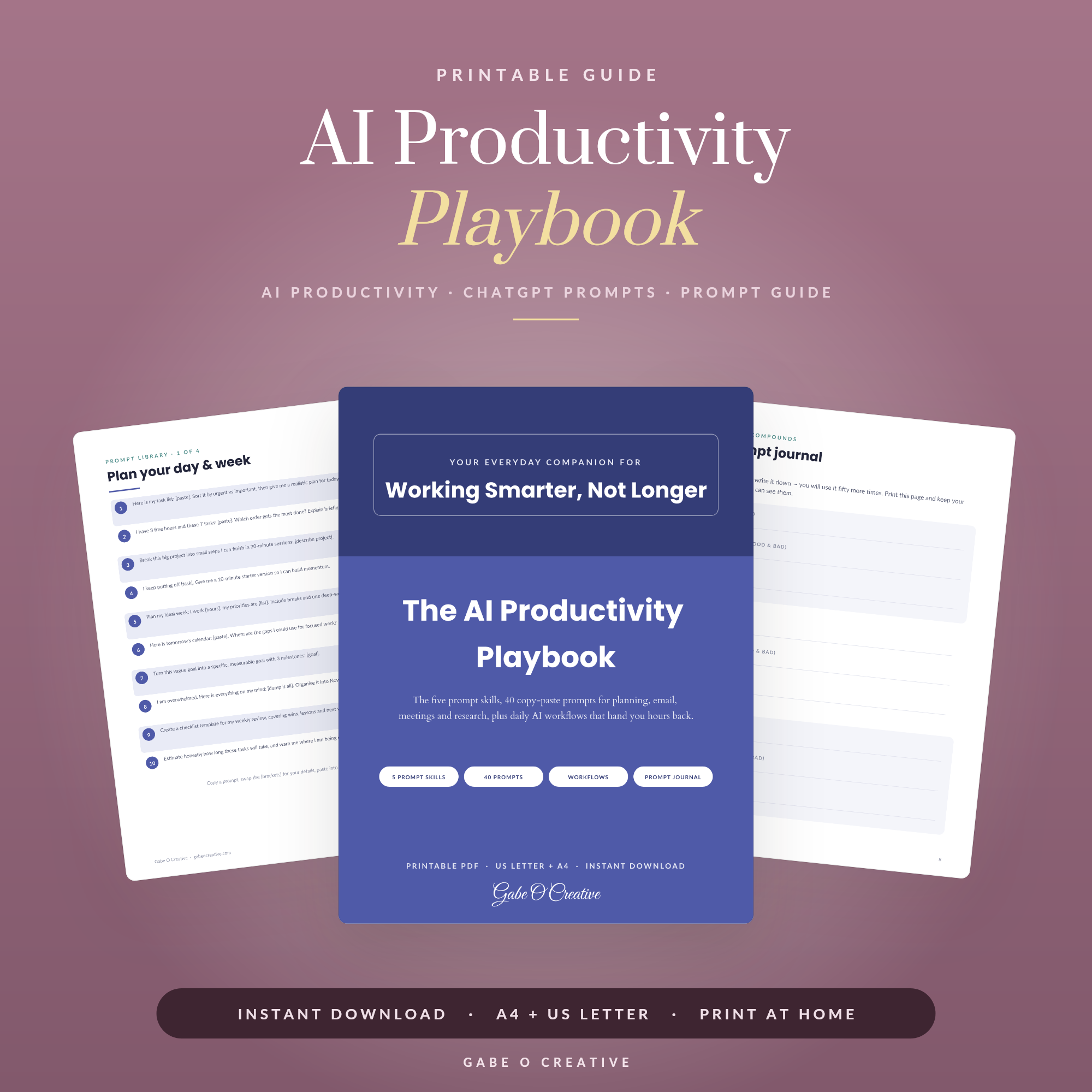
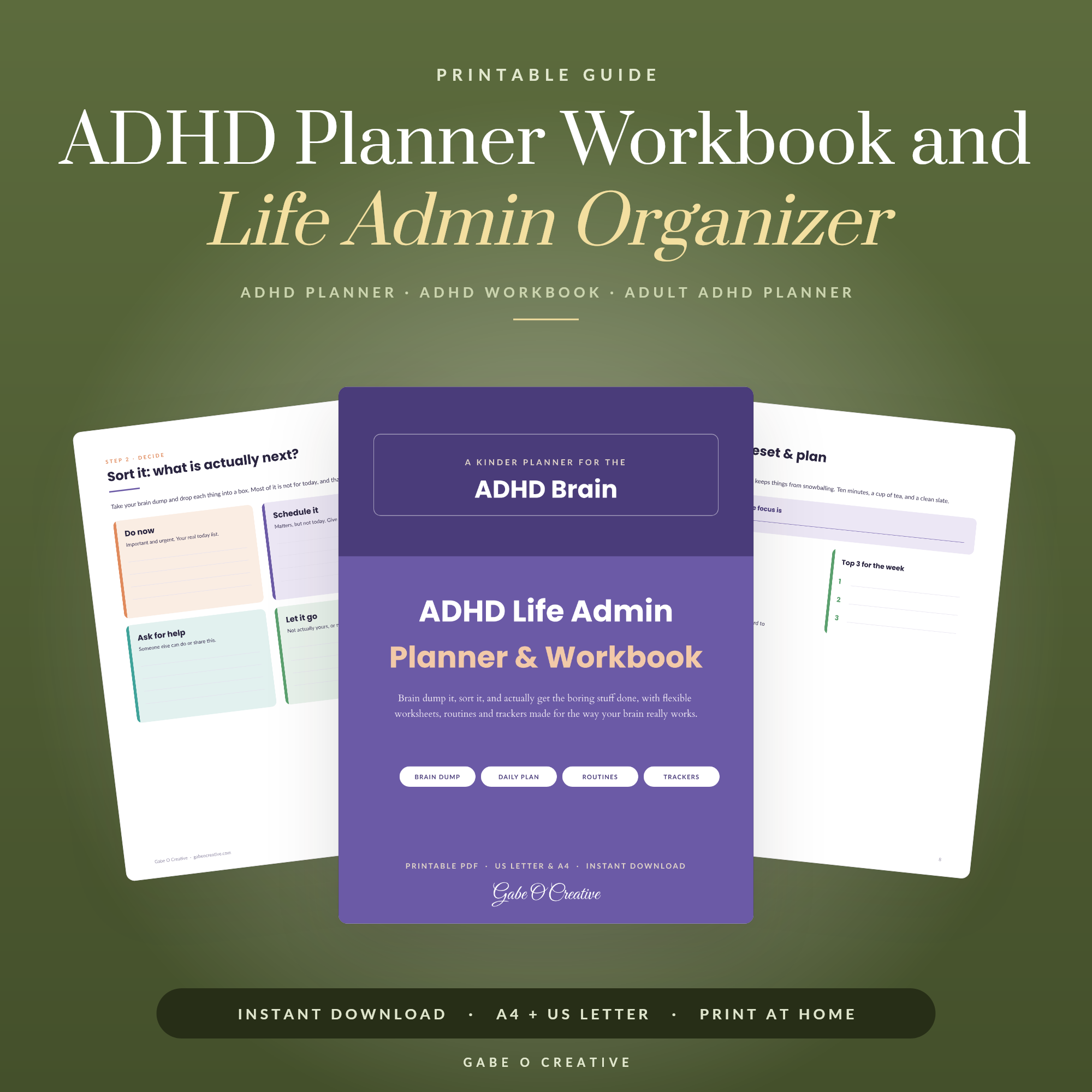
If getting started is itself the obstacle, that's a different problem and a well-documented one: our ADHD life admin guide covers systems built for brains that stall at the beginning, and the ADHD life admin planner is the paper version of the same idea. For the work side of this, the AI productivity playbook goes further into using it as a working tool, and our productivity planner guide covers what's worth tracking on paper instead.
 View product →
Five Prompts to Try This Week
Rather than a list of fifty you'll never open, here are five worth testing once each. If a prompt doesn't earn its place after one honest attempt, drop it.
- The fridge audit. "Here's what's in my fridge and cupboards: [list]. Three dinners using mostly these, and tell me what's missing."
- The tone rescue. "Rewrite this so it's firm but polite, and shorter: [your angry draft]."
- The unstick. "I need to [task] but I keep putting it off. Ask me three questions, then give me the first ten-minute step."
- The explainer. "Explain [thing you're embarrassed not to understand] as if I'm smart but have never encountered it. No jargon."
- The week ahead. "Here's everything on this week: [dump]. Group it, flag what's actually urgent, and tell me what to drop."
That last one is the sleeper. Dumping an unsorted week into a prompt and asking what to drop is uncomfortable and unusually clarifying — you rarely need help spotting what's urgent, but you often need permission to abandon something.
Say what you don't want
The most reliable single upgrade to any of these is a sentence describing what a bad answer looks like: "don't suggest anything needing an oven", "no corporate language", "don't tell me to make a spreadsheet". Constraints do more for quality than politeness, detail or length — and they're the thing people leave out almost every time.
Everyday AI Prompt FAQs
What makes an AI prompt actually work?
Context, a specific job, and a stated format. "Give me a meal plan" produces something generic; the same request with your budget, the number of people, what you dislike and how you want it laid out produces something usable.
What is AI genuinely good at around the house?
First drafts and structure — meal plans from what's in the fridge, a packing list for a specific trip, rewording a difficult email, turning a vague worry into a checklist. Anything where starting from blank is the hard part.
What should I not use AI for?
Anything where being confidently wrong matters: medical, legal or financial specifics, exact prices, and facts about real people. It will produce a plausible answer either way, which is precisely the danger.
Do I need to pay for an AI tool to do this?
No. Every prompt worth keeping works on the free tiers of the major assistants. Paid plans mainly buy speed, longer conversations and file handling.
Why do I get better answers on the second try?
Because the first answer tells you what you actually wanted. Treat the first reply as a draft to react to — "shorter", "less formal", "assume I have no oven" — rather than starting a new conversation.
Should I save my prompts somewhere?
Yes, and it's the step most people skip. A prompt you rewrite from scratch each time is a chore; one you keep in a document and paste takes seconds and gets better every time you tweak it.
Start with a ready-made set. Grab the everyday AI prompts pack and keep it open the next time you're stuck, or browse the full Guides & Workbooks collection.