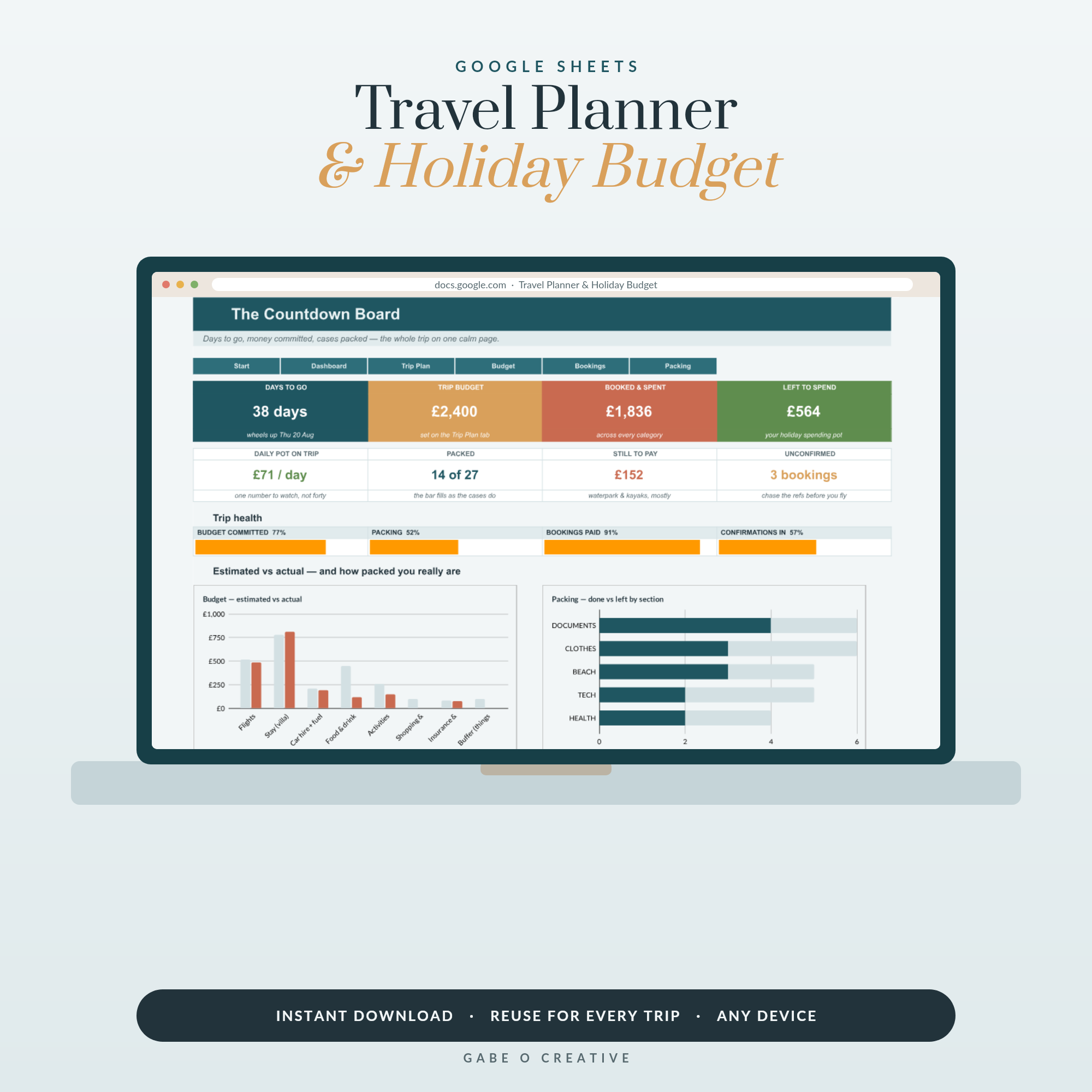
Trip planning has a habit of ending up in eleven browser tabs, three confirmation emails, a note on somebody's phone and a group chat nobody can scroll back through. It works right up until the moment it does not — a changed gate, a hotel that wants a reference number, a taxi driver who needs an address. A travel itinerary spreadsheet is not about planning harder; it is about having one place that answers a question quickly. The Travel Planner & Holiday Budget is built around that single idea.
Something booked for this year? The Travel Planner & Holiday Budget holds bookings, a day-by-day plan and a budget that totals itself in one Google Sheet — shareable with whoever you are travelling with.
 View product →
Five Tabs, and No More
The temptation with a spreadsheet is to keep adding. Resist it — a trip planner you stop updating halfway through is worse than a note on your phone. Five tabs covers everything that matters:
- Bookings — flights, accommodation, transfers, with reference numbers and times.
- Day by day — the fixed points only, one row per day.
- Budget — planned against actual, split into pre-paid and daily.
- Packing — reusable between trips, which is most of its value.
- Just in case — the page you hope not to open.
Put the times in the local time zone
Write every time in the time zone of the place it happens, and label the column that way. Mixing home time and destination time in one sheet is the single most reliable way to be at an airport on the wrong day, and it happens to experienced travellers rather than nervous ones.
The Budget That Actually Works
Holiday budgets fail because they are one number. Split them in two and they become usable.
Pre-paid is everything committed before you leave: flights, accommodation, car hire, tours booked in advance, insurance. This number is known, and once it is written down it stops being a source of anxiety.
On the ground is food, local transport, entry tickets and the unplanned. Set it as a daily figure per person rather than a lump sum, because a daily number is something you can check yourself against on the trip. A total of £900 tells you nothing on day three; £60 a day tells you immediately whether yesterday was fine.
| Category | Type | How to set it |
|---|---|---|
| Flights and transfers | Pre-paid | Actual, including bags and seat fees |
| Accommodation | Pre-paid | Actual, plus any tourist tax paid on arrival |
| Food and drink | Daily | Per person per day — be honest, not aspirational |
| Local transport | Daily | Cheaper with a travel pass on trips over three days |
| Activities | Mixed | Book the essentials early, leave the rest daily |
| Contingency | Whole trip | 10% — it gets spent, and that is fine |
The contingency line is not padding. Something always costs more than expected, and a plan without room for it turns a minor annoyance into an argument on holiday.
Track actuals for two days, then stop
Recording every euro for a fortnight is a chore nobody finishes. Track properly for the first two days, see how the real daily figure compares to the planned one, adjust, then stop. Two days is enough to know whether the number was realistic, which is the only thing you needed the tracking for.
 View product →
Plan the Fixed Points, Not the Hours
The day-by-day tab should hold anything with a time attached to it: flights, check-in and check-out, a booked tour, a restaurant reservation, a museum that closes on Mondays. That is it.
The instinct to fill the remaining hours is the thing that makes people dread their own itinerary. A day with two anchors and open space between them is a good day. A day with seven scheduled items is a commute.
One column earns its place more than any other: where you sleep that night. On a multi-stop trip that single column prevents the most expensive category of mistake there is — booking a train that arrives after you have already checked out of somewhere else.
Travelling with other people
The moment a trip involves more than two adults, the spreadsheet stops being an organisational tool and becomes a diplomatic one. Share it as soon as the first thing is booked, not once it is finished — people accept a plan they watched take shape far more readily than one presented complete.
Two columns prevent most group-trip friction. A paid by column on the budget tab, so settling up at the end is arithmetic rather than memory, and an optional flag on the day-by-day tab, marking which items everyone is expected at and which people can skip without it being a thing. Groups rarely fall out over money or plans directly; they fall out over an assumption nobody wrote down.
The Page You Hope Not To Open
One tab, rarely used, occasionally the only thing that matters: passport numbers and expiry dates, insurance policy number and the insurer's emergency line, booking references, the accommodation address written in the local language, your bank's lost-card number, and one contact at home.
Make it available offline before you fly. Google Sheets supports offline access on a phone, but the more reliable version is a screenshot or a PDF saved locally — because the moment you need your booking reference is very often the moment you have no signal, no data and a flat feeling in your stomach.
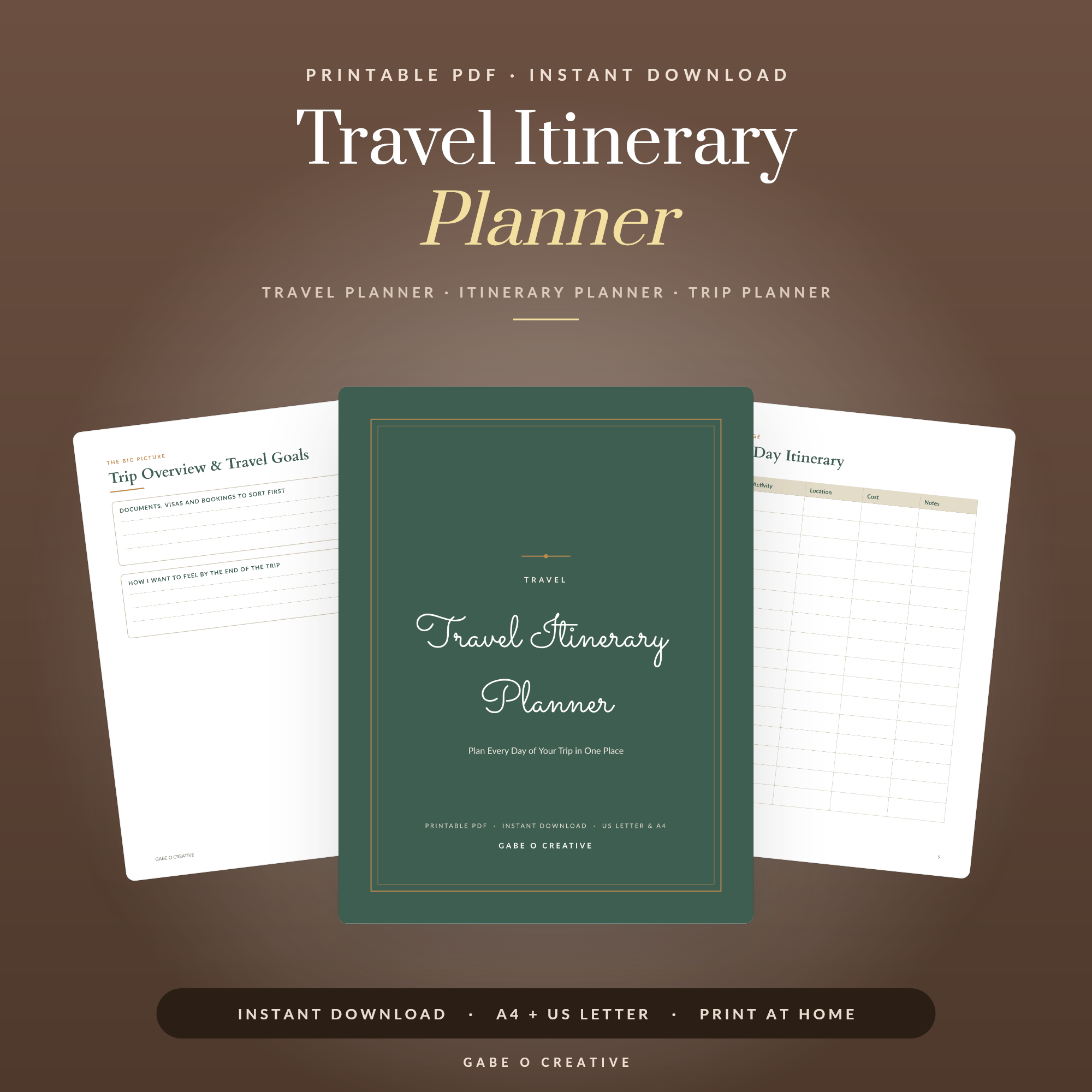
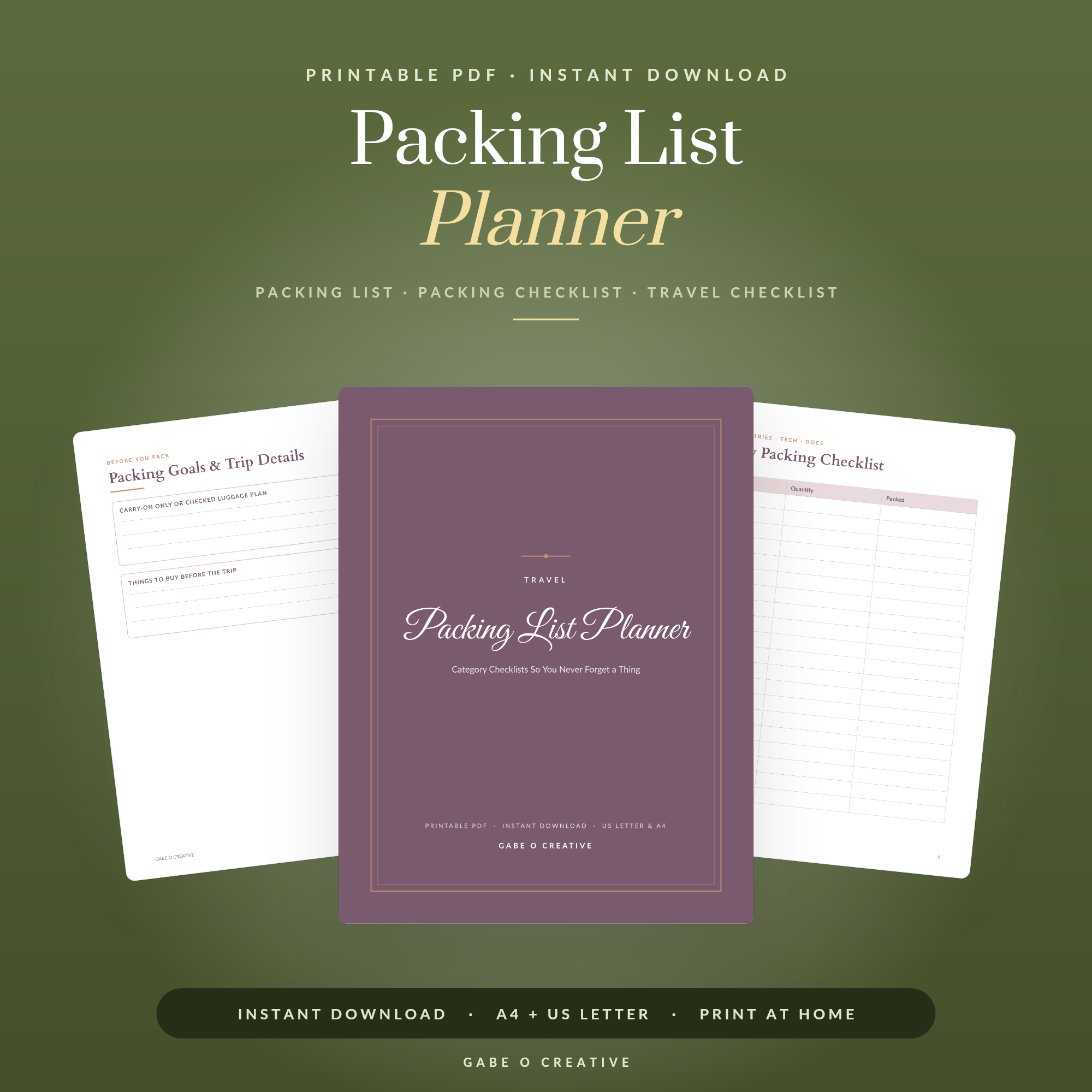
If you would rather have the whole thing on paper, the printable Travel Itinerary Planner covers the same ground, and the Packing List Planner handles the packing tab on its own. Our guide to travel packing lists goes deeper on that side, and if you are travelling with an animal rather than leaving one behind, pet travel planner printables covers the documents.
Travel Itinerary Spreadsheet FAQs
What should a travel itinerary spreadsheet include?
Five tabs is plenty: bookings with reference numbers, a day-by-day plan, a budget with planned against actual, a packing list, and one page of emergency details. More tabs than that and it becomes a project rather than a trip.
Is a spreadsheet better than a travel app?
For anything involving more than one person or more than one currency, usually yes — because you control the columns and everyone can see the same version. Apps are better at live flight alerts. Plenty of people use both and keep the spreadsheet as the source of truth.
How do I budget for a trip properly?
Split it into pre-paid and on-the-ground. Pre-paid is flights, accommodation and anything booked in advance — that number is known. On-the-ground is food, transport and activities, and is best set as a daily figure per person, because a daily number is something you can actually check against as you go.
Should I plan every day of a holiday?
Plan the fixed points and leave the rest open. Anything with a time attached — a flight, a tour, a restaurant booking, an opening day — belongs in the plan. Filling every remaining hour is how holidays become itineraries you resent.
What is the most useful part of the spreadsheet?
The page nobody thinks about: booking references, passport numbers, insurance policy details and emergency contacts, all in one place. You will use it once in ten trips, and on that trip it will be the only page that matters.
Does it work offline?
Google Sheets can be made available offline on a phone, and it is worth doing before you fly. Better still, export the key page to PDF or take a screenshot — the moment you most need your booking reference is often the moment you have no signal and no data.
Get it out of the browser tabs. Open the Travel Planner & Holiday Budget, put your bookings in first and the budget second — or browse the full Google Sheets collection.