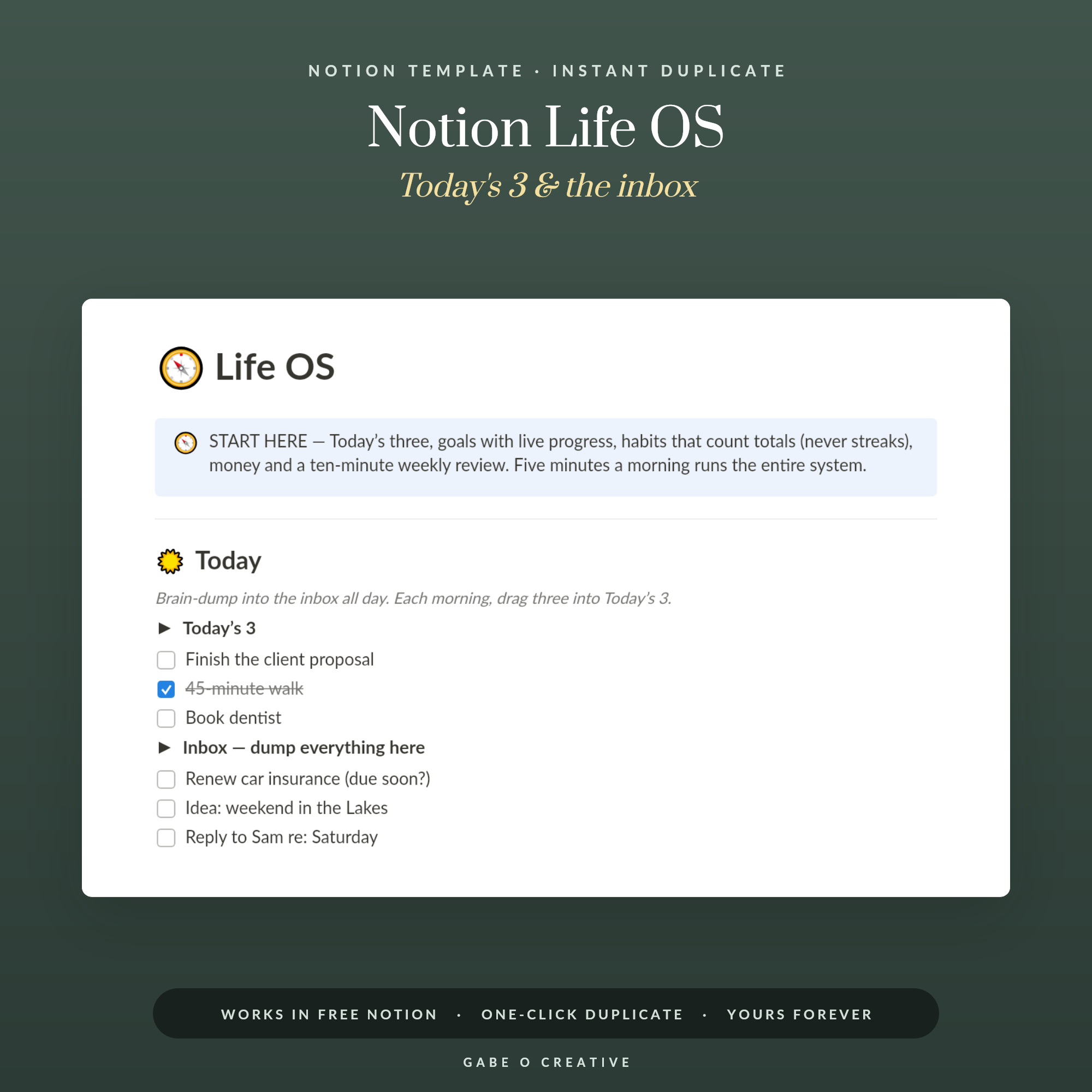
In practice, a Notion OS is a single Notion page that runs several connected databases — tasks, goals, notes, money — as one system rather than as separate lists. The “OS” is borrowed from “operating system”, and it describes scope rather than a feature: there is no button in Notion that makes one. That distinction matters before you buy, because the same label is used for a genuinely connected workspace and for a tidy page of checkboxes.
What a Notion OS Actually Is
Strip the marketing away and a Notion OS is a hub page with database views embedded in it. The databases hold the actual content, and the hub is a place to see the parts of them that matter today. Notion describes its databases as collections of pages, and says your data is not limited to a table: the same database can be organised as a list, calendar, chart and more. That one capability is what lets a hub page show today's tasks as a checklist while a project page shows the same records in another layout, without anything being copied.
Nothing about that is exclusive or difficult. What you are paying for in a bought system is the decisions: which databases exist, which properties each one carries, and what appears on the front page. Those decisions are the hard part, and they are also where most systems go wrong.
Template, Dashboard or OS: Where the Line Sits
The three words are used interchangeably by sellers and mean quite different things.
| Term | What it usually means | Reasonable expectation |
|---|---|---|
| Template | Any page you duplicate into your own workspace | Could be one tracker or fifty pages |
| Dashboard | A single page that surfaces information from elsewhere | A view layer, not necessarily a system |
| OS | Several databases linked to each other, run from one hub | Changing a record in one place updates another |
The practical test is whether the pieces know about each other. If ticking a task somewhere does nothing to the goal it belongs to, you have a folder of pages with a shared cover image.
What Makes It a System Rather Than a Page
The mechanism is relations and rollups. Notion's own documentation describes a relation as a way to express relationships between items in different databases, and a rollup as a way to aggregate data based on those relations. Its worked example adds up the price of every item linked to a customer to give their total spend, without anyone typing the total in.
The same idea is what lets a course page show a live average grade built from the assignments attached to it, which is how the Notion Student OS described below works. This is the difference worth paying for, and it is the thing to look for in a preview. A goals database with a progress bar that you drag by hand is a picture of progress. A goals database whose progress comes from the tasks attached to it is a system. Both look identical in a screenshot.
How to Judge One Before You Buy
Four questions separate a considered system from a padded one. How many pages would you touch on an ordinary Tuesday? If the honest answer is more than two, it will not survive a busy week. Does it arrive with realistic example data, or is it empty? An empty system is a homework assignment. What happens when you miss two weeks — is there a defined way back in, or does the system simply record the gap? And is the database count being sold as a feature? Every database is something you maintain, so twenty of them is a cost, not a benefit.
That last point is the one people learn expensively. Elaborate systems collapse under their own admin, which is why the build advice in our guide to setting up a Notion Life OS keeps the count to six databases and a short weekly review.
Which One Fits What You Are Running
The right system depends on what is currently going wrong. If your life is spread across six apps and nothing has an overview, the Notion Life OS is the general-purpose answer: today's three tasks, up to eight goals with live progress, a habit log that counts totals rather than streaks, a one-row-a-month money log, and a Sunday review with a restart rule for when you fall off.
If the problem is that ideas and notes go missing rather than tasks, the Notion Second Brain is built on PARA instead — a two-second capture inbox, projects that each keep a real next action, areas for ongoing standards, and a five-minute Friday sweep. For anyone who has abandoned planners designed for a different brain, the Notion ADHD Planner labels every task by the energy it needs so you can match work to the brain you woke up with, and keeps a wins jar as evidence. Students have a narrower problem and get a narrower system: the Notion Student OS connects courses, assignments, exams and reading, and works out course averages from the grades you log.
All four duplicate into your own workspace in a click and arrive pre-filled with a realistic example you replace with your own, and each is built to run on free Notion. Notion's pricing page lists databases on the Free plan and says blocks are unlimited for individuals, so a system you run alone is unaffected by the paid tiers. Seeing a system already working is the difference between using it and admiring it.