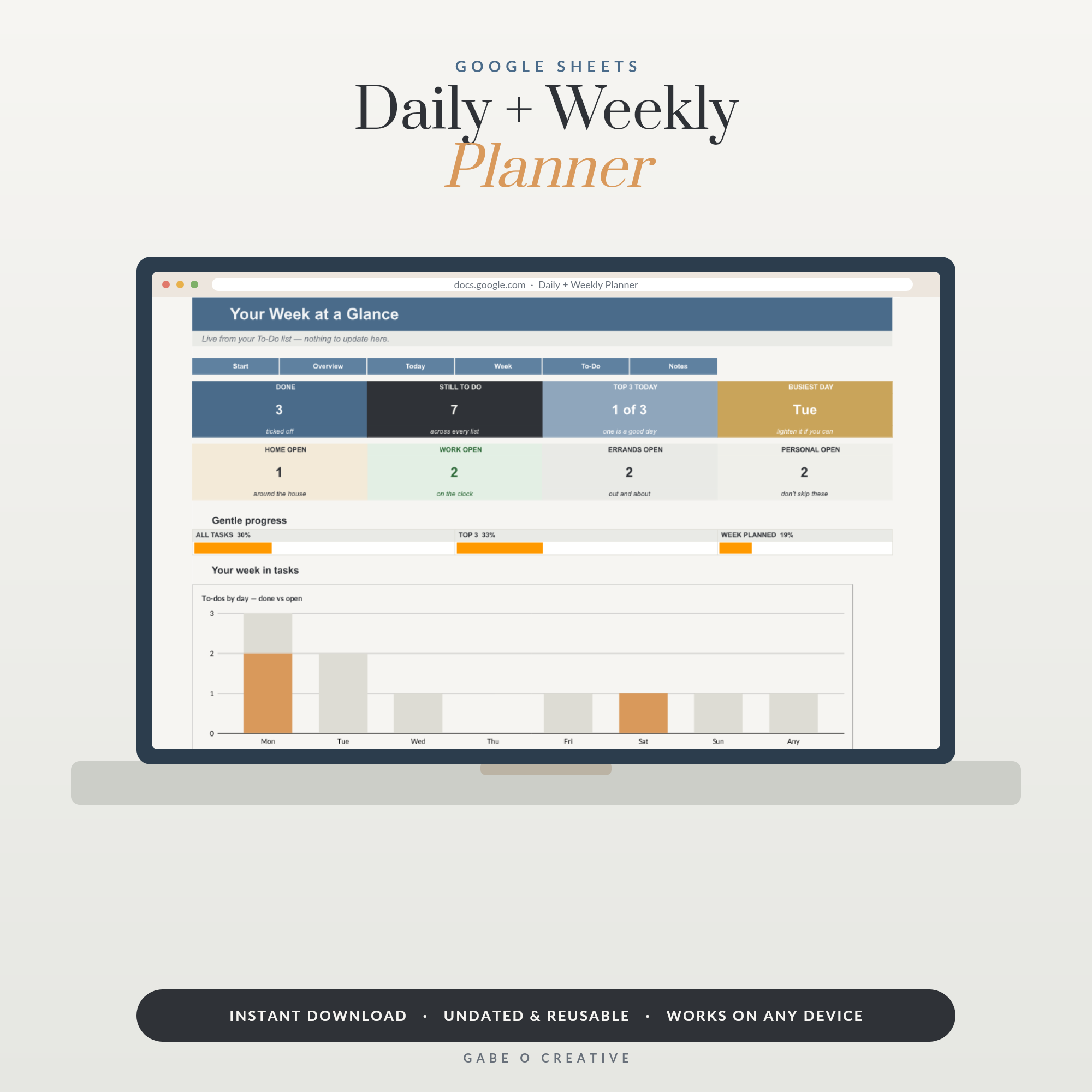
Choosing between a daily planner in Google Sheets and a planning app comes down to one real question: do you want fewer notifications, or do you need more of them? Neither tool is better in general - a spreadsheet planner wins for people who find app pings distracting, an app wins for people who genuinely rely on a phone buzzing to remember things. Our daily and weekly planner is built for the first group.
Trying to decide today? Ask yourself one thing: in the last month, did a planning app's notifications actually help you, or did you mostly just dismiss them? That answer settles this faster than any feature comparison.
 Shop 90 Day Goal Planner Google Sheets, Quarterly Goal Setting Spreadsheet with 12 Week Scorecard, Milestone Tracker & Weekly Action Planner →
Where a Google Sheets Planner Genuinely Wins
Three real advantages, not just "it's free":
- No notifications, by design. A spreadsheet only tells you something when you open it - nothing pushes to your lock screen uninvited.
- You can reshape it. Add a column, rename a section, build a formula that pulls today's tasks from a master list automatically. Most apps lock you into their own layout.
- See the whole week at once. No swiping between daily screens - the week or month is right there, one view.
This suits a specific kind of person: someone who finds constant app pings more distracting than helpful, and who plans at a desk or tablet rather than entirely from a phone in transit.
Why this isn't just "cheaper than an app"
Plenty of free planning apps exist, so cost alone doesn't explain the appeal. The real draw is control - a Sheets planner does exactly what you build it to do and nothing else, where an app's feature set is fixed by whoever built it. Most planning apps ship with somewhere around 5-8 fixed screen layouts to pick from; a spreadsheet has none, because you're building the layout rather than choosing from someone else's list.
Where a Planning App Still Wins
Two situations where a spreadsheet genuinely loses:
| Situation | Why the app wins here |
|---|---|
| You rely on reminders to actually remember things | A spreadsheet never pushes a notification - you have to remember to open it |
| You plan almost entirely from your phone, out and about | Apps are built phone-first; a spreadsheet works on a phone but wasn't designed to be the primary way in |
If either of these describes how you actually plan - not how you'd like to plan - an app will serve you better, and fighting that with a spreadsheet just adds friction. Give it a genuine 1-week trial before switching back, though - the first few days of any new system, spreadsheet or app, tend to feel clumsier than the one it's replacing.
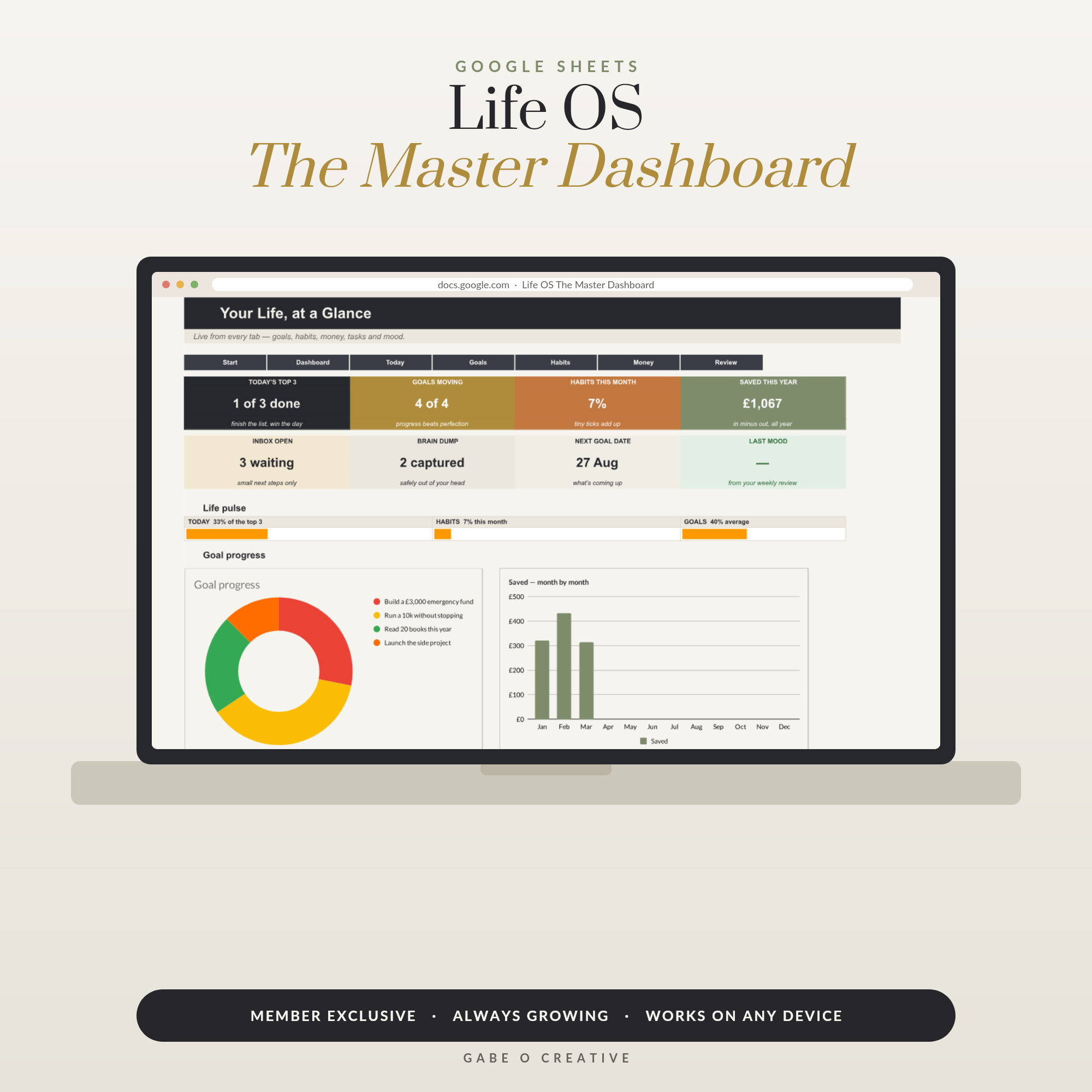 Shop Life OS — The Master Dashboard, Google Sheets Life Planner Spreadsheet: Today’s Top 3, Goals, Habits, Money & Weekly Review in One Live Dashboard →
The Feature People Miss Until It's Gone
The thing most people don't expect to miss from an app: automatic reminders. A Sheets planner genuinely has none - it's silent until you open it.
The workaround that actually works: set one Google Calendar reminder to open the sheet at a set time each day. This recreates the habit of checking in without the stream of notifications an app sends throughout the day - one nudge instead of many, which is usually the actual goal for people who chose Sheets in the first place.
What syncing does and doesn't cover
A Google Sheets planner syncs across devices exactly like any other Sheet - open it on a laptop, tablet or phone and it's the same live file. What it doesn't do well is work as a small-screen daily habit; most people who prefer this approach use a laptop or tablet as the main way in, with the phone as an occasional quick check rather than the primary screen. The Google Sheets mobile app does open a spreadsheet planner fine in a pinch - checking today's list before leaving the house works well enough - the friction shows up if you try to do the daily editing itself on a small screen every day, which is where the laptop-first habit tends to settle for most people within the first week or two.
Is a Spreadsheet Too Complicated for Daily Planning?
It shouldn't be, if it's built properly. The complexity should live in the formulas working quietly behind the scenes - a To-Do tab that automatically populates Today's list by date, say - not in what you personally have to do each morning. If a planner asks you to understand functions just to use it day to day, that's a flaw in that specific sheet, not evidence that spreadsheets in general are the wrong tool.
A well-designed version reduces to 2 real daily actions: add a task to the list once, tick it off when done. Everything else runs itself.
 Shop ADHD Life Planner Google Sheets, ADHD-Friendly Daily Planner Spreadsheet, Brain Dump, Task & Habit Tracker, Undated Adult ADHD Organizer →
A Reasonable Way to Decide
- Check your actual notification habits for a week. Do reminders help, or do you dismiss them?
- Notice where you plan from. Desk and tablet, or phone on the move?
- If it's desk-based and notification-averse, try the spreadsheet for a month before deciding it's not for you - like any new system, the first week always feels less natural than the old one.
If you're setting bigger goals rather than daily tasks, the same logic applies to our 90-day goal planner, and for running more of life in one place, the Life OS dashboard extends the same approach beyond just the daily list. If starting itself is the hard part some days, the ADHD-friendly life planner is built around that specifically.
Daily Planner Google Sheets FAQs
Is a Google Sheets planner better than a planning app?
Neither is universally better - it depends on what you're trying to avoid. A Sheets planner wins for people who find app notifications and constant syncing distracting or overwhelming. An app wins for people who need reminders pushed to their phone or who plan on the move without a laptop nearby.
Can you get reminders from a Google Sheets planner?
Not automatically the way an app pushes a notification - a spreadsheet only shows you something when you open it. Some people set a Google Calendar reminder to open the sheet at a set time each day, which recreates the habit without the constant background notifications an app sends.
What can a Google Sheets planner do that most apps can't?
See your whole week or month at once without switching screens, and change the structure yourself - add a column, rename a section, build a formula that pulls today's tasks automatically. Most planning apps lock you into their own layout; a spreadsheet is yours to reshape.
Does a Google Sheets planner sync across devices?
Yes, the same way any Google Sheet does - open it on a phone, tablet or laptop and it's the same file, updated in real time. What it doesn't do is work well as a small-screen daily habit; most people who use one primarily do so on a laptop or tablet, with the phone as a quick-check option rather than the main way in.
Is a spreadsheet too complicated for daily planning?
A well-built one shouldn't be - the complexity should live in the formulas behind the scenes, not in what you have to do each day. If a planner needs you to understand functions to use it, that's a design problem with that specific sheet, not a reason spreadsheets in general are too complicated.
Who should stick with a planning app instead?
Anyone who genuinely relies on push notifications to remember things, or who plans almost entirely from their phone while out rather than at a desk. A spreadsheet can be opened on a phone but wasn't built to be the primary interface there, and forcing it usually creates more friction than it saves.
Try it for a week before deciding. The daily and weekly planner is ready to copy today, or browse the full Google Sheets collection.